Unizen Pro
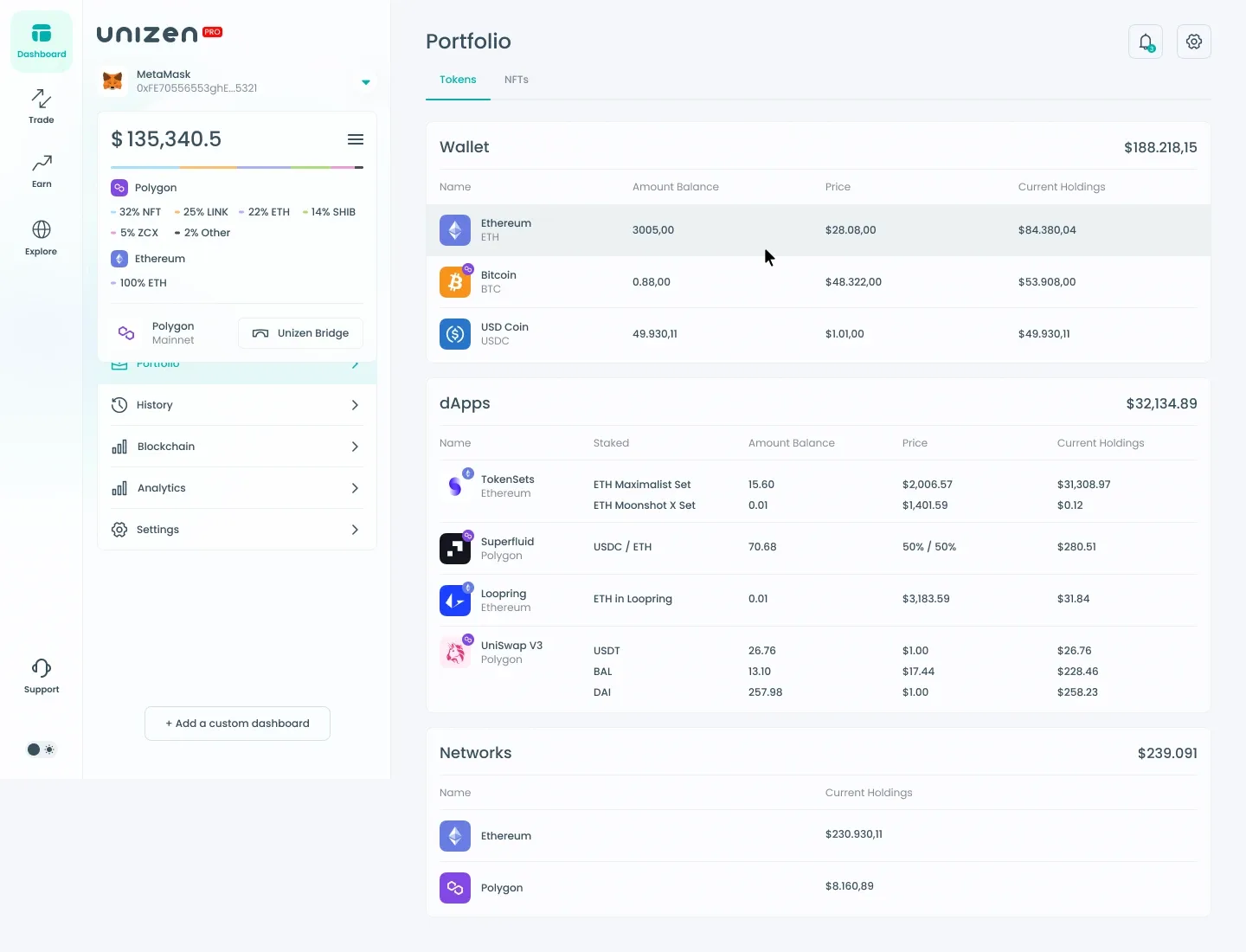
End-to-end product design for Unizen Pro — an omni-chain DeFi dashboard that unifies swap routing, staking, portfolio tracking, and on-chain discovery in one interface. The work spans trading flows, earn modules, wallet intelligence, and cross-chain history — turning complex multi-network data into scannable, action-ready screens.
Unizen is a cross-chain DEX aggregator powered by the Unizen Liquidity Distribution Mechanism (ULDM) and Unizen Interoperability Protocol (UIP). The Pro interface targets power users who need deep liquidity routing, staking visibility, whale tracking, and blockchain exploration without leaving a single workspace.
Dashboard & Information Architecture
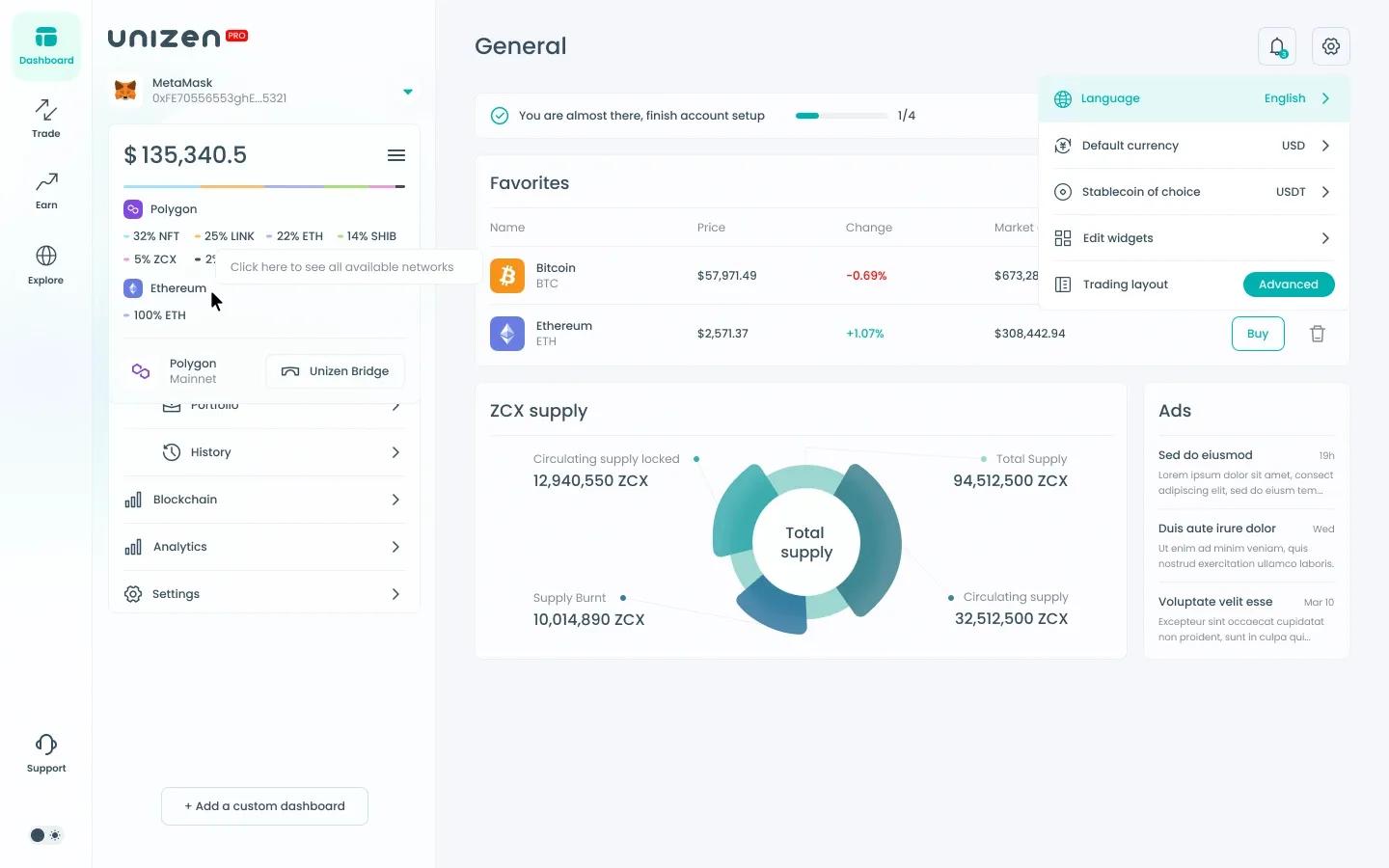
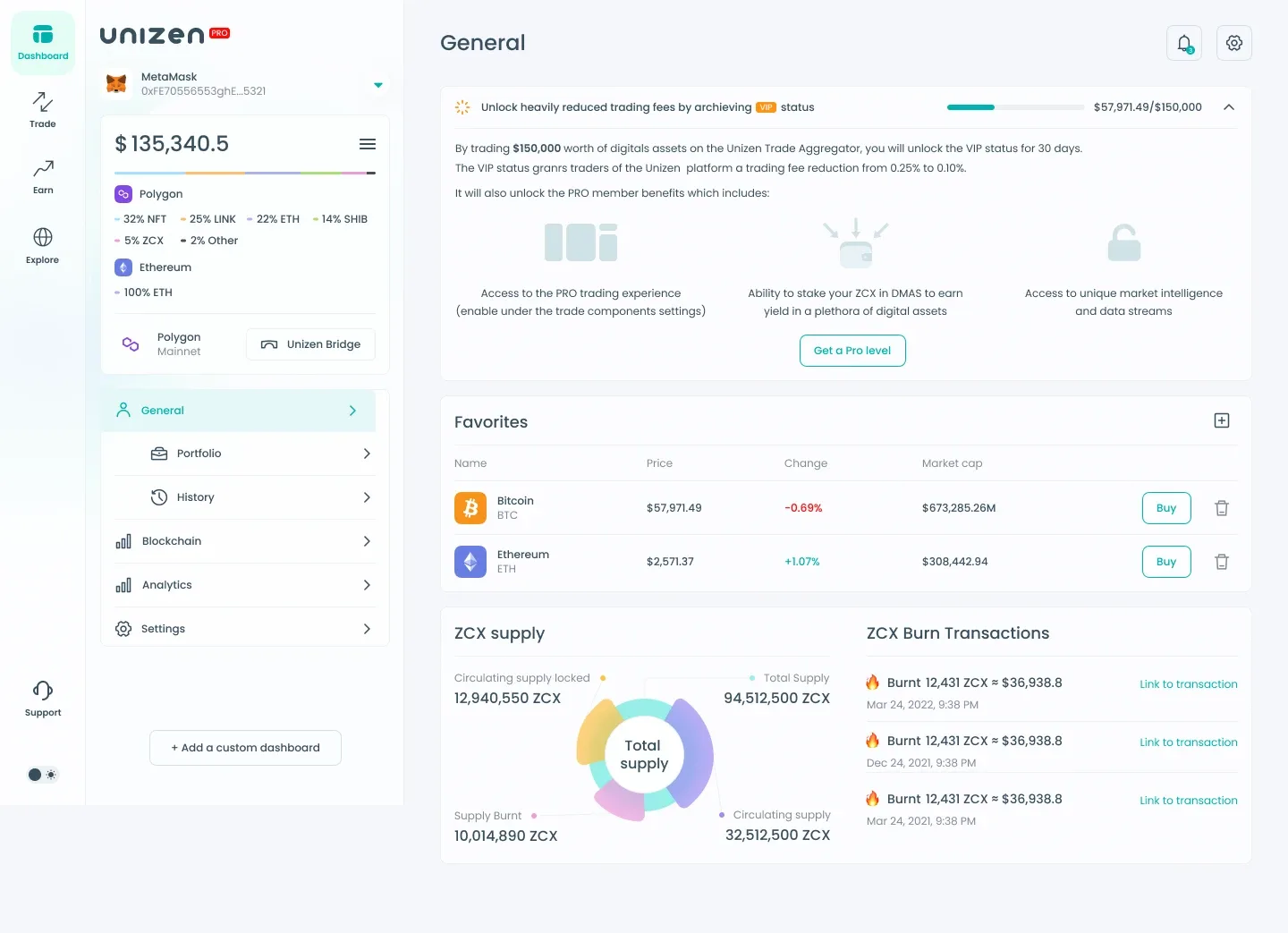
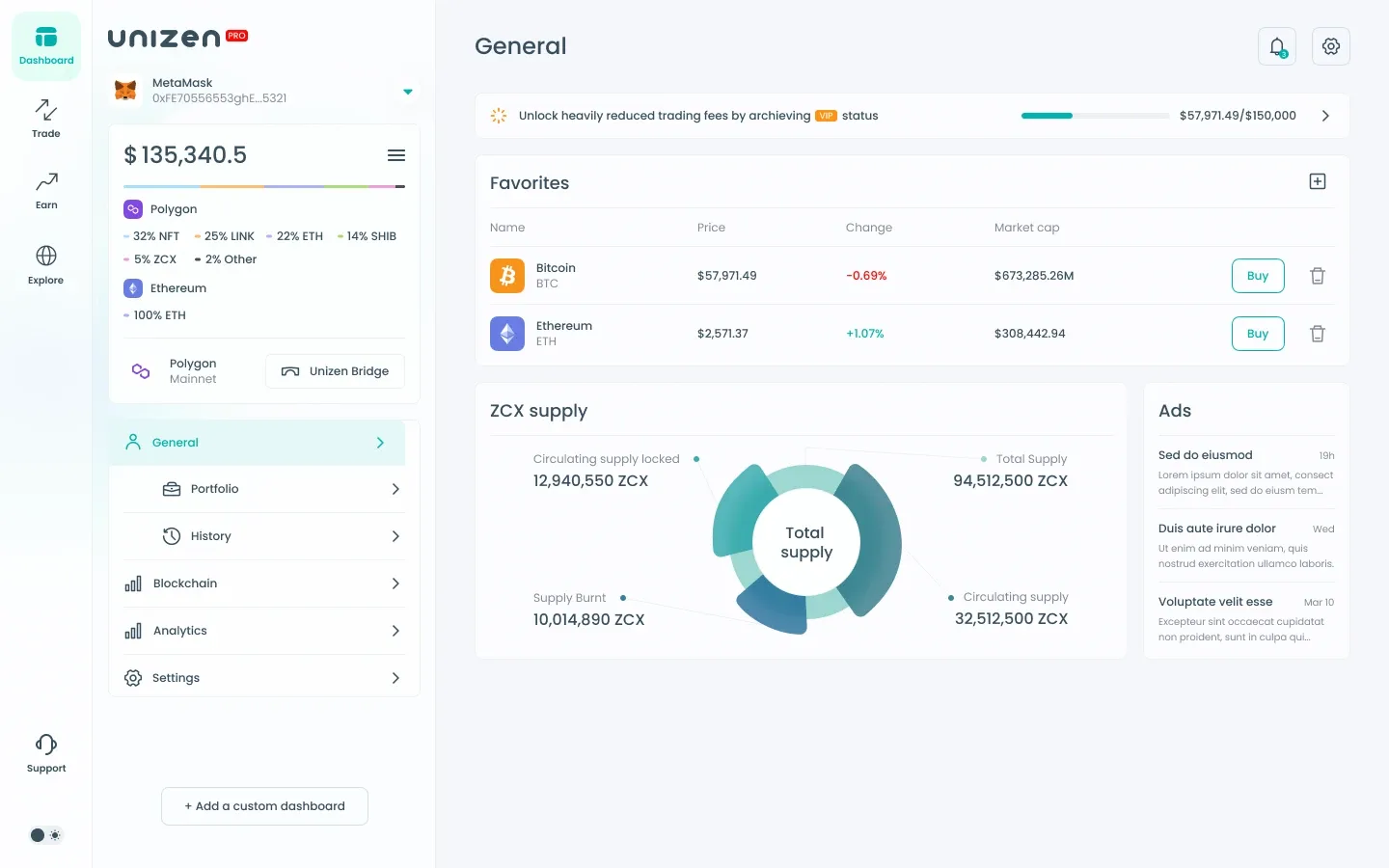
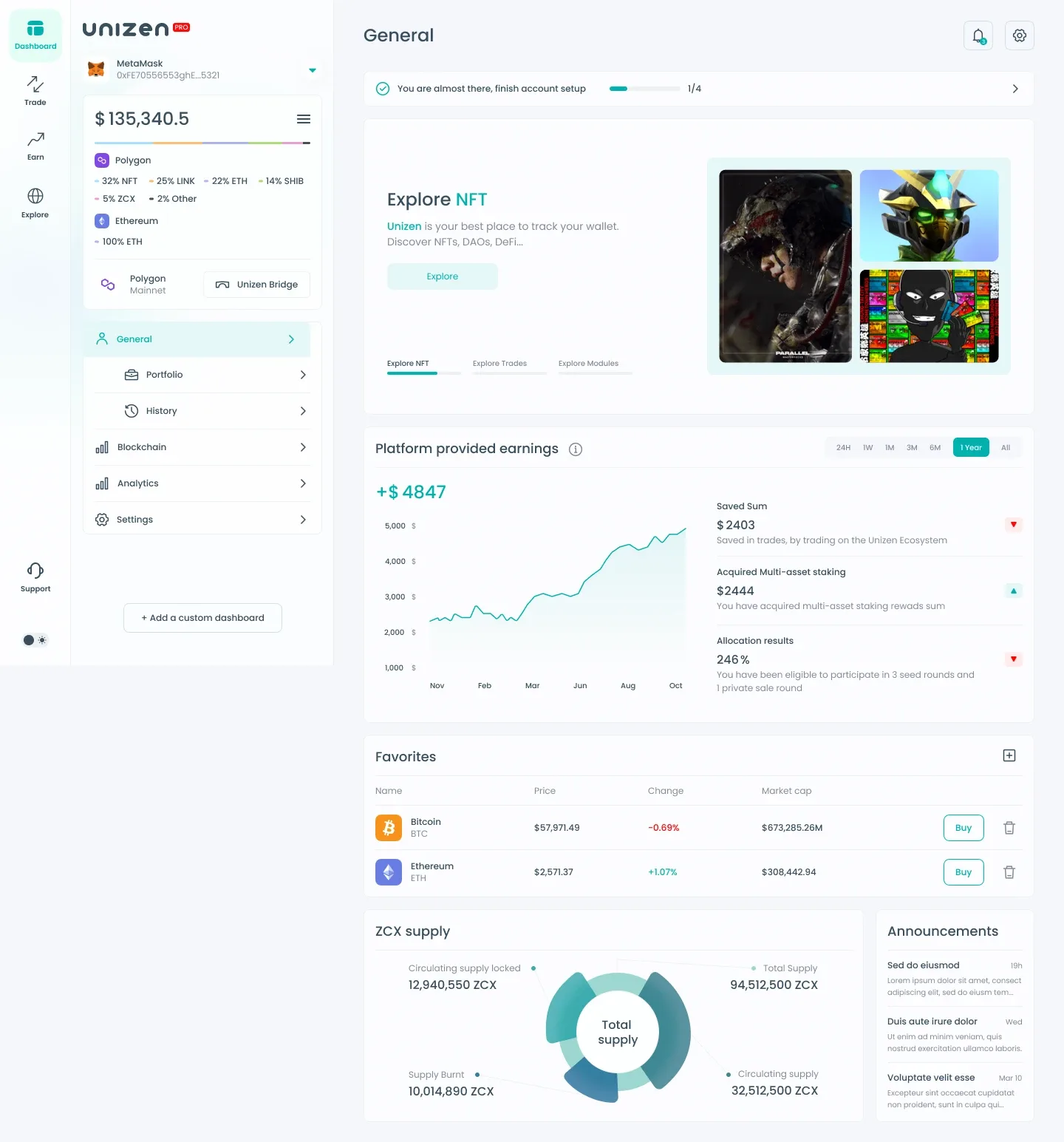
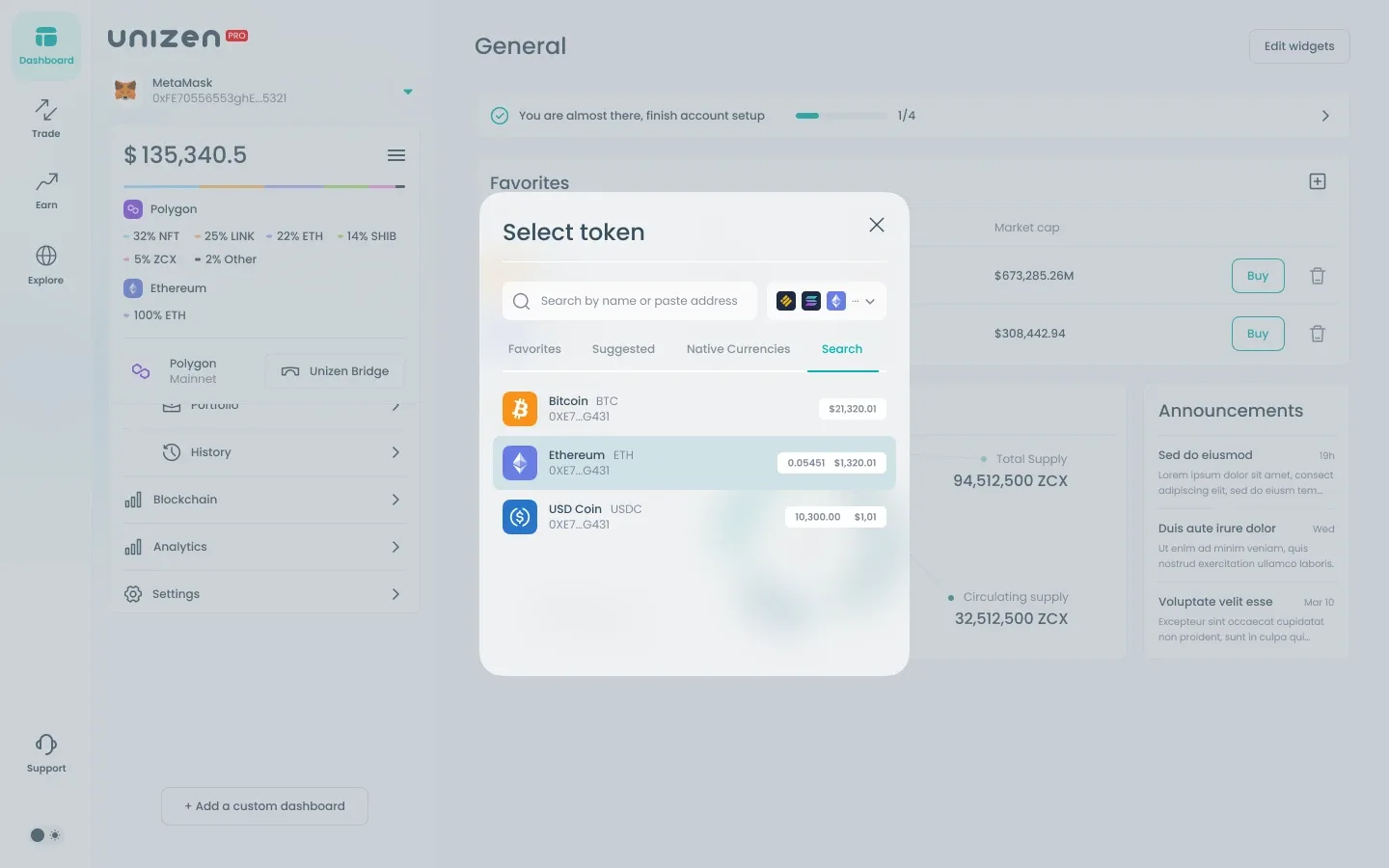
The dashboard anchors the product around a connected wallet, multi-chain portfolio breakdown, and quick access to Trade, Earn, and Explore. A persistent sidebar keeps blockchain tools — Portfolio, History, Analytics, Wallet Tracker, and Explorer — one click away while the main canvas adapts to each task.
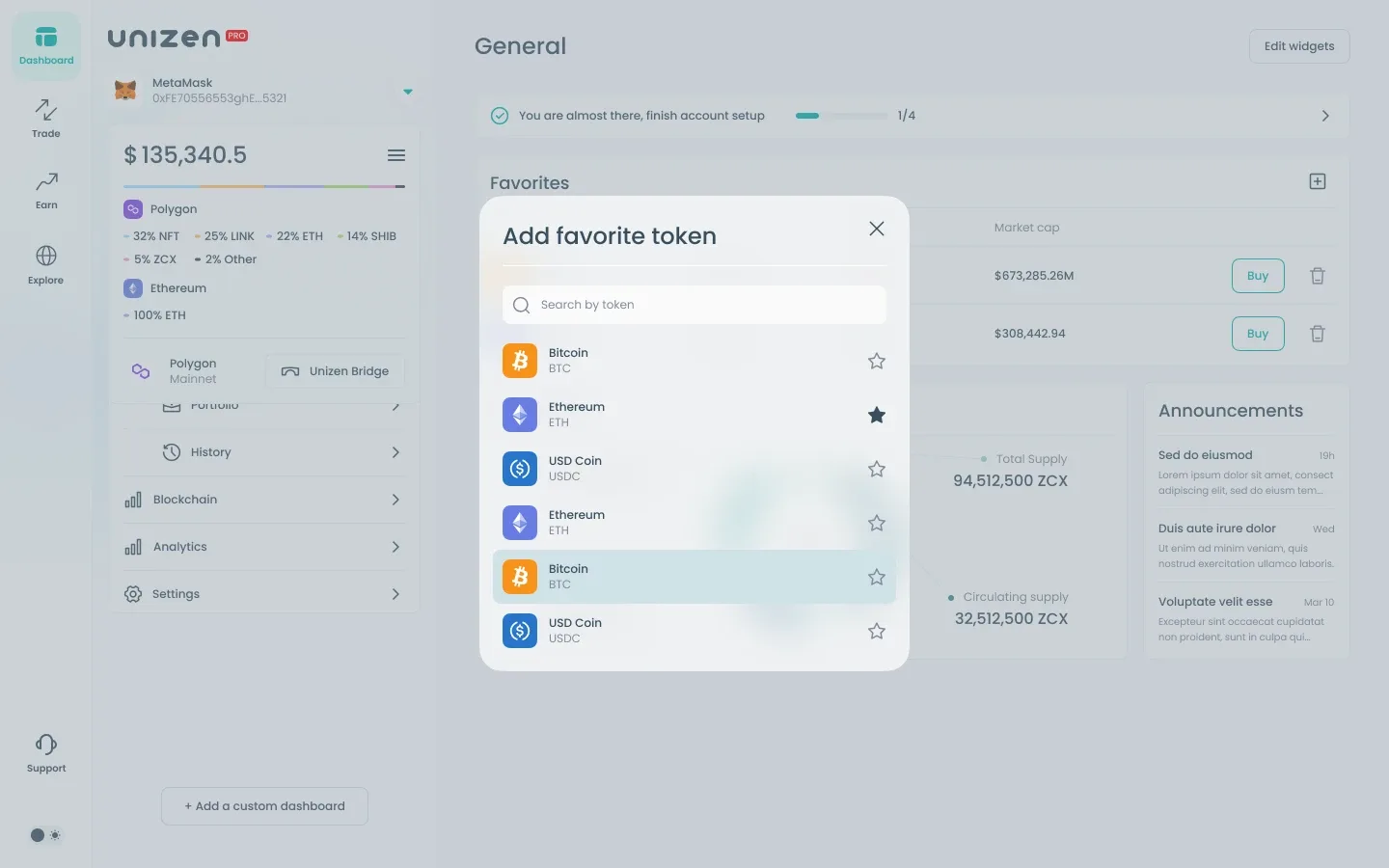
Onboarding progress, featured discovery cards, earnings charts, and a favorites watchlist give returning users immediate context. Tokenomics widgets (ZCX supply) and announcements keep platform-level data visible without crowding primary actions.
Swap & Limit Trading
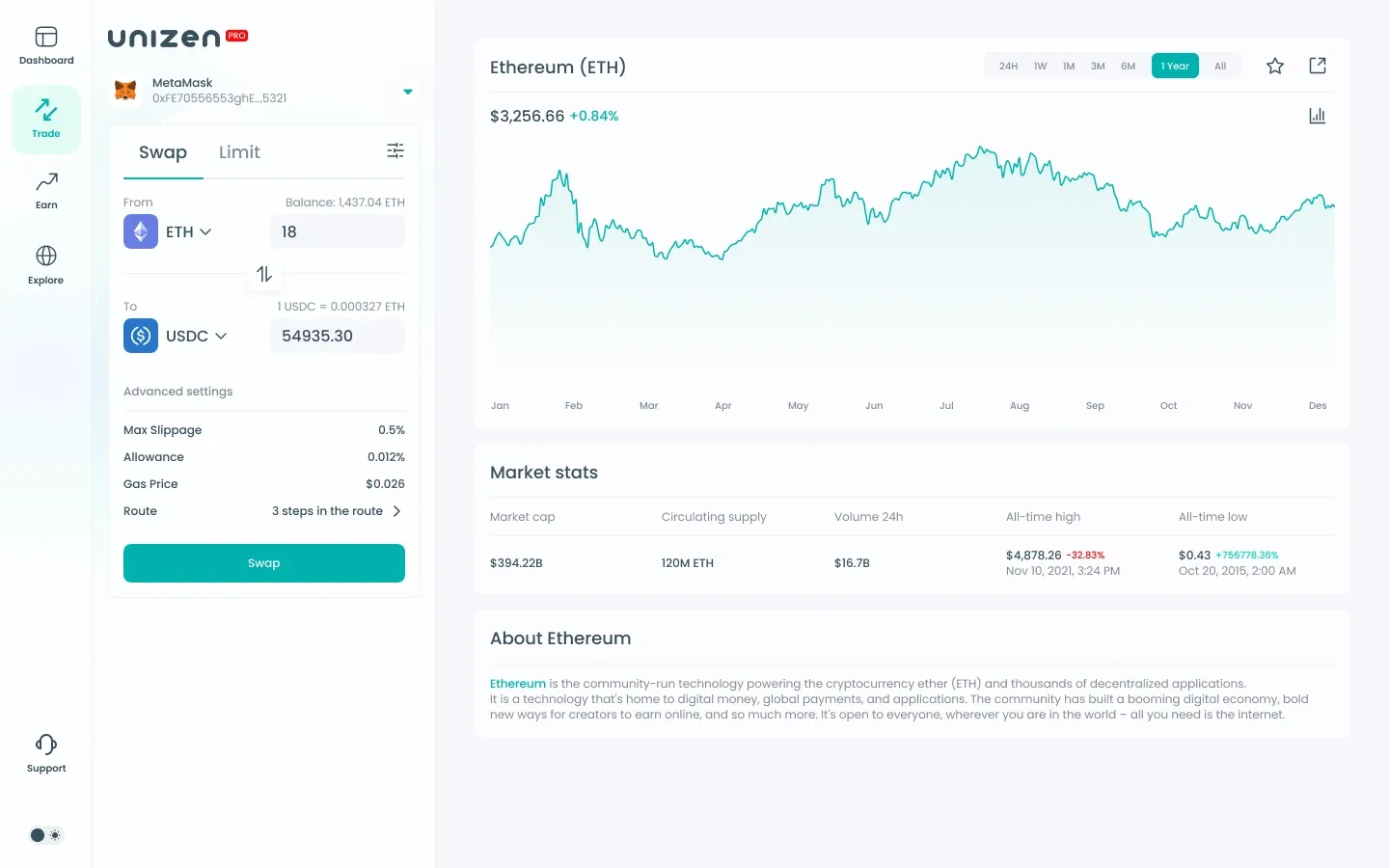
The trade desk pairs a compact swap widget with a full market context panel. Users select from/to tokens, review slippage, allowance, gas price, and multi-step routing before confirming. Limit orders sit alongside swap as a tabbed mode within the same layout.
Price charts, market stats (cap, volume, supply), and asset descriptions sit beside the order form so traders can validate decisions without switching views. MetaMask connection status and balance hints are always visible in the widget header.
Staking, Rewards & Allocations
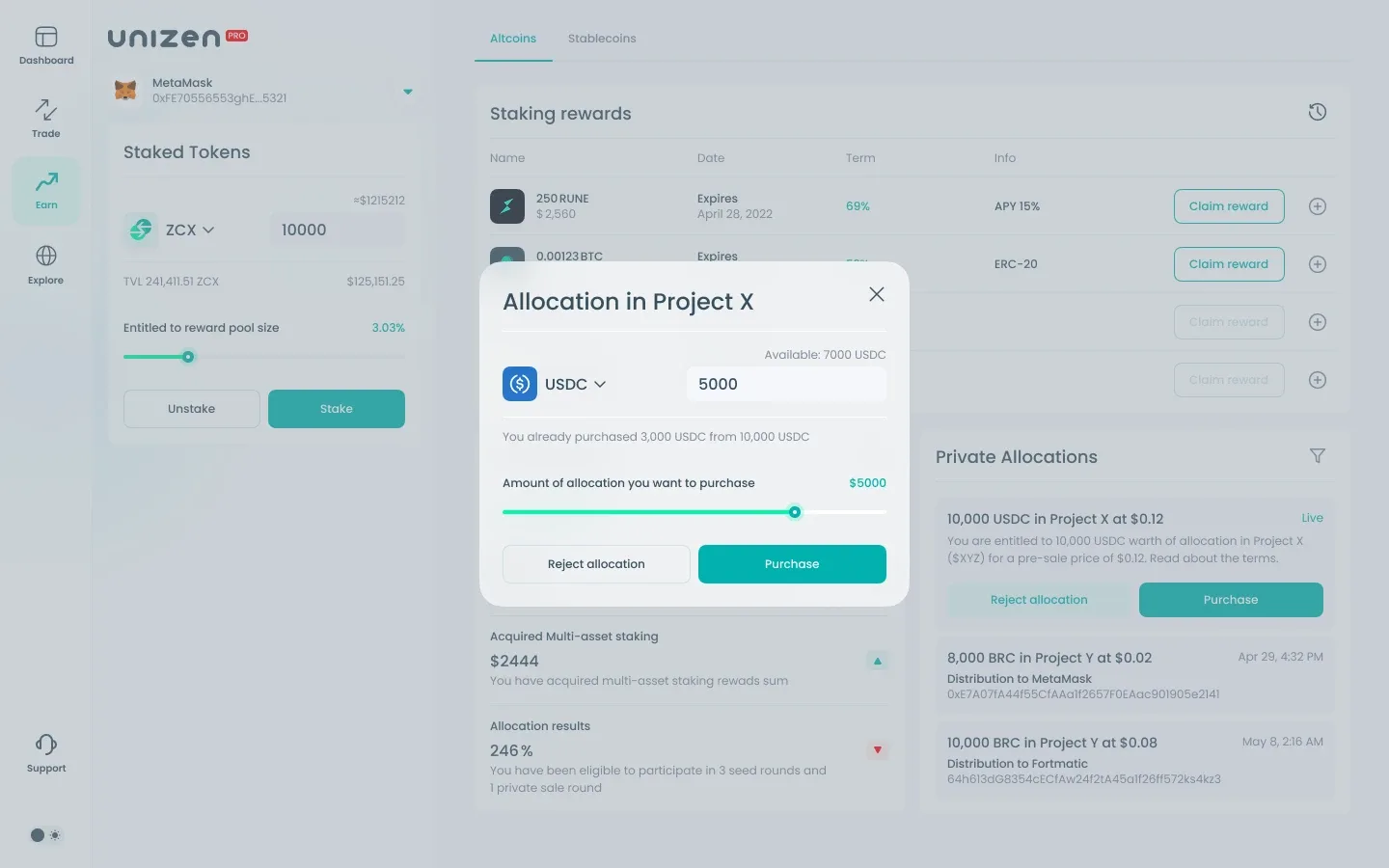
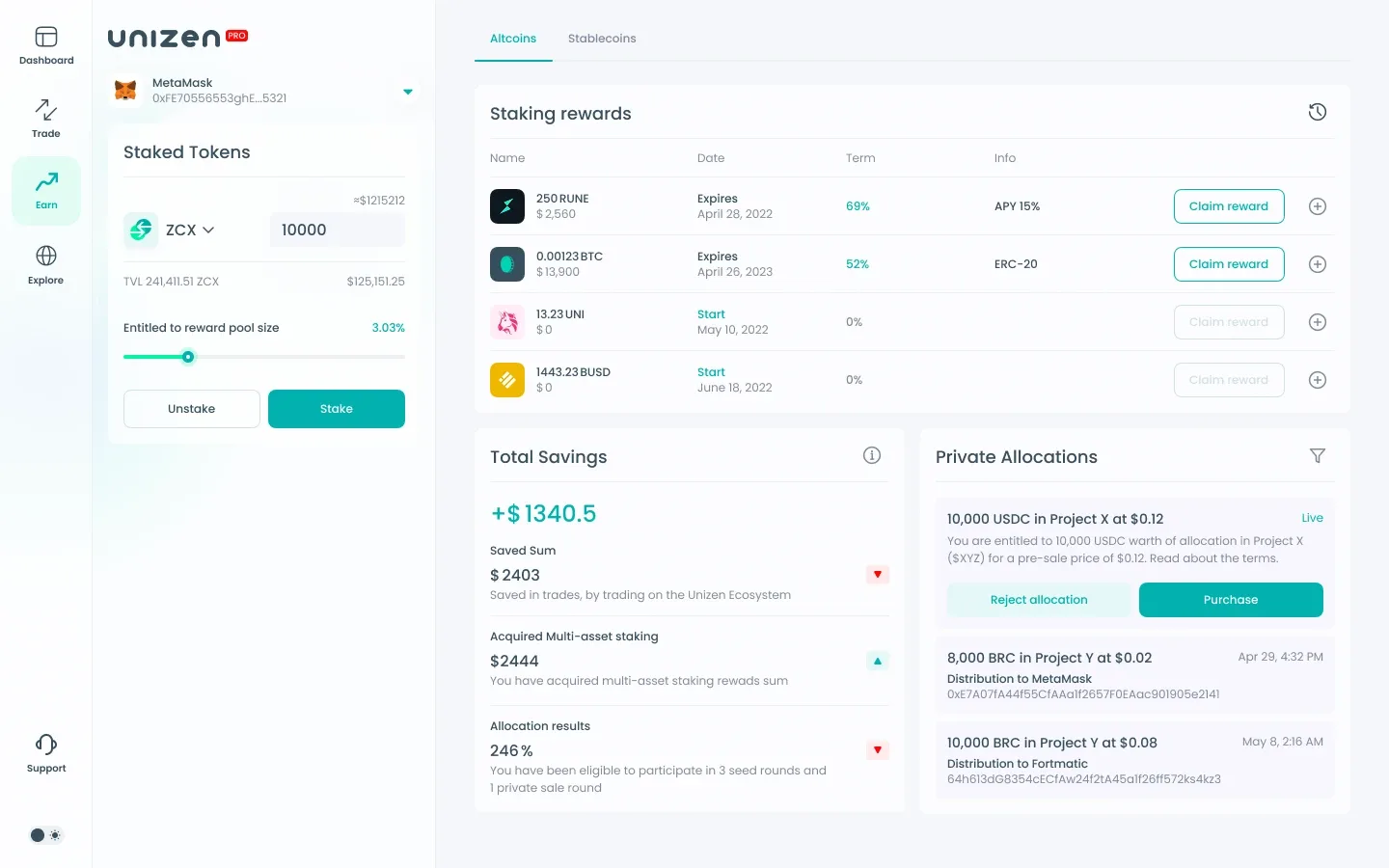
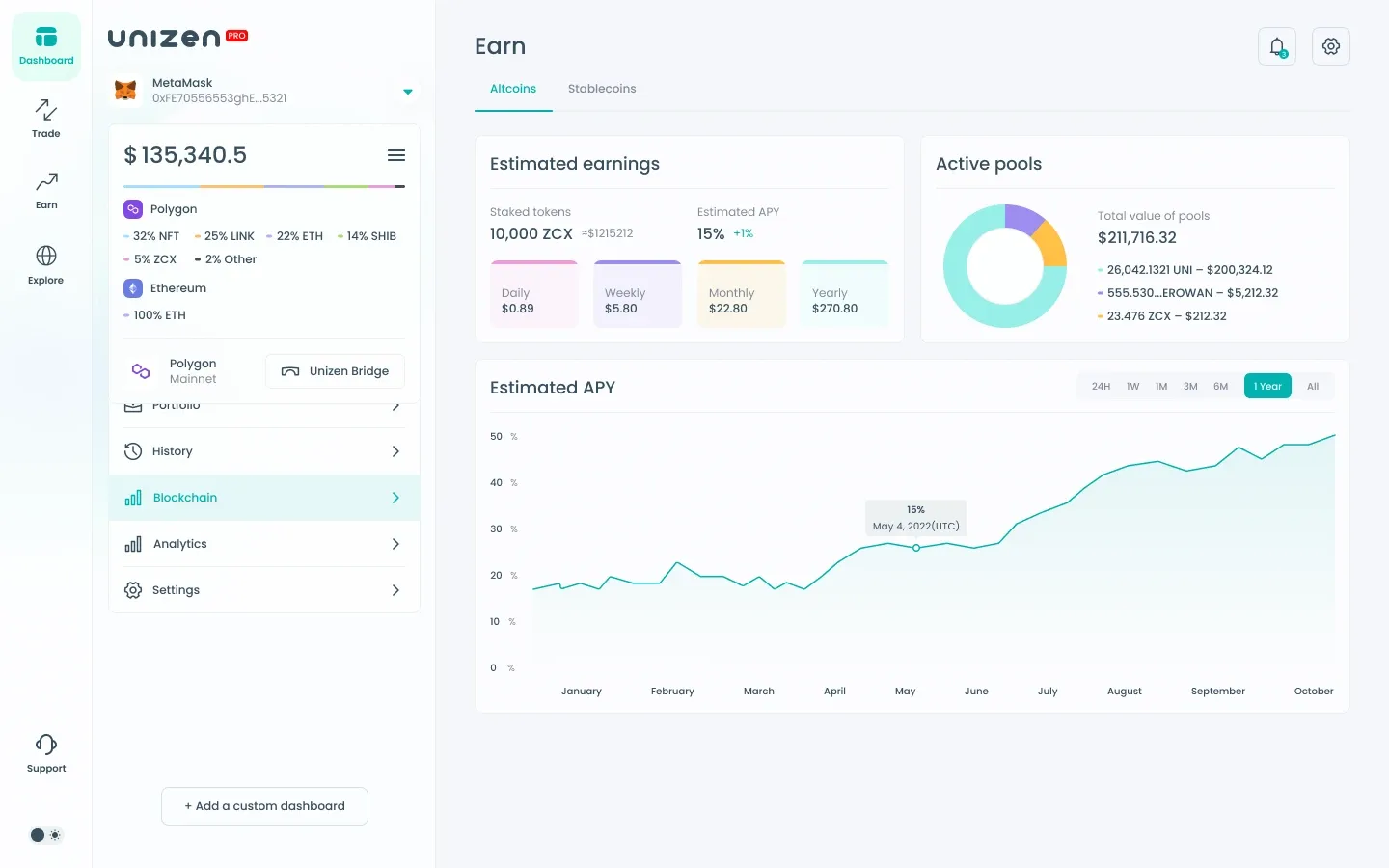
The Earn module consolidates ZCX staking, altcoin/stablecoin reward tables, savings summaries, and private-sale allocations. Staked token cards show TVL share, pool entitlement, and stake/unstake controls with clear numeric feedback.
Reward rows surface APY, lock terms, and claim actions. A savings panel tracks trade savings inside the Unizen ecosystem alongside multi-asset staking gains. Private allocation cards distinguish live vs. completed rounds with purchase and reject flows.
Web3 Discovery Hub
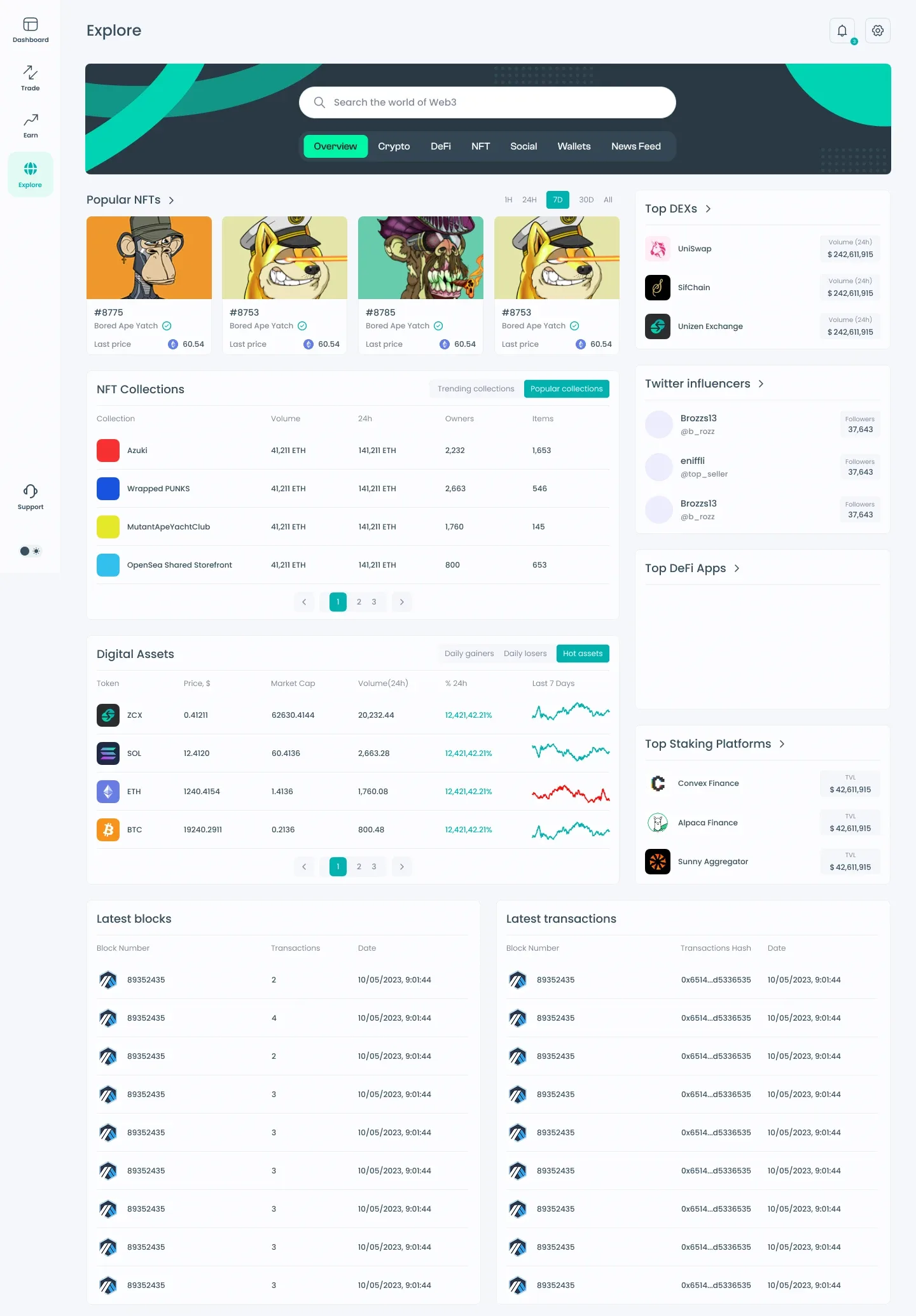
Explore acts as a research surface for the broader crypto ecosystem — NFT collections, digital assets, DEX rankings, influencers, and staking platforms. Filter chips (Overview, Crypto, DeFi, NFT, Social, Wallets, News Feed) let users narrow the feed without losing global search.
Tables prioritize scannability: sparkline trends for tokens, volume/owner metrics for NFT collections, and side widgets for top DEXs and DeFi apps. Real-time blockchain panels expose latest blocks and transactions for users who want on-chain pulse alongside market data.
Protocol & Exchange Directory
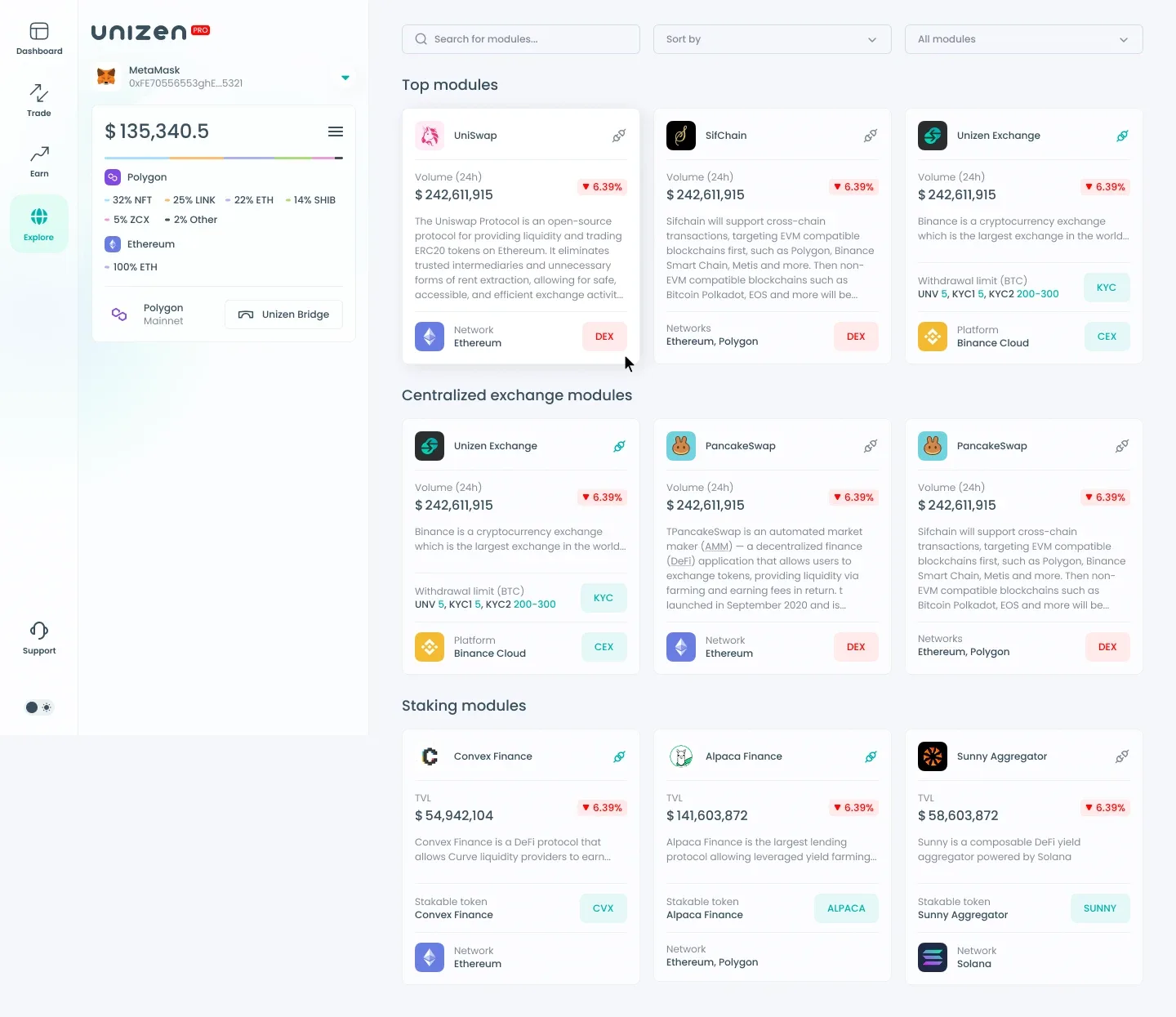
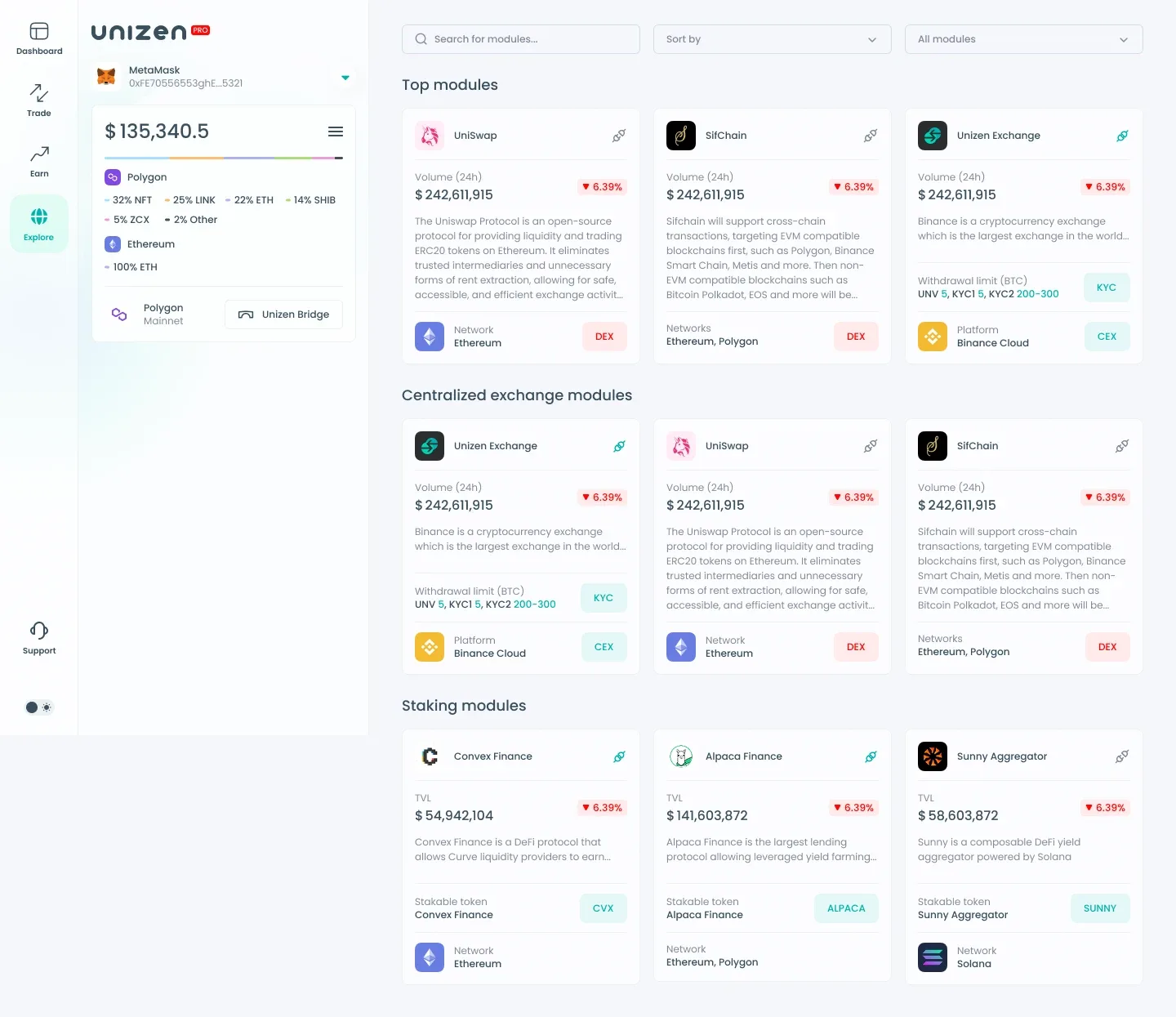
The modules explorer catalogs integrated protocols — DEX, CEX, and staking — with sortable cards showing 24h volume, TVL, supported networks, and category tags. Search and filter controls help users find the right venue before routing a trade or stake action.
Each card balances protocol branding with operational metadata: KYC requirements for CEX modules, stakable tokens for yield products, and network badges for cross-chain compatibility. This directory connects the aggregator's backend routing to a legible front-end discovery layer.
Whale Tracking & Bundle Collections
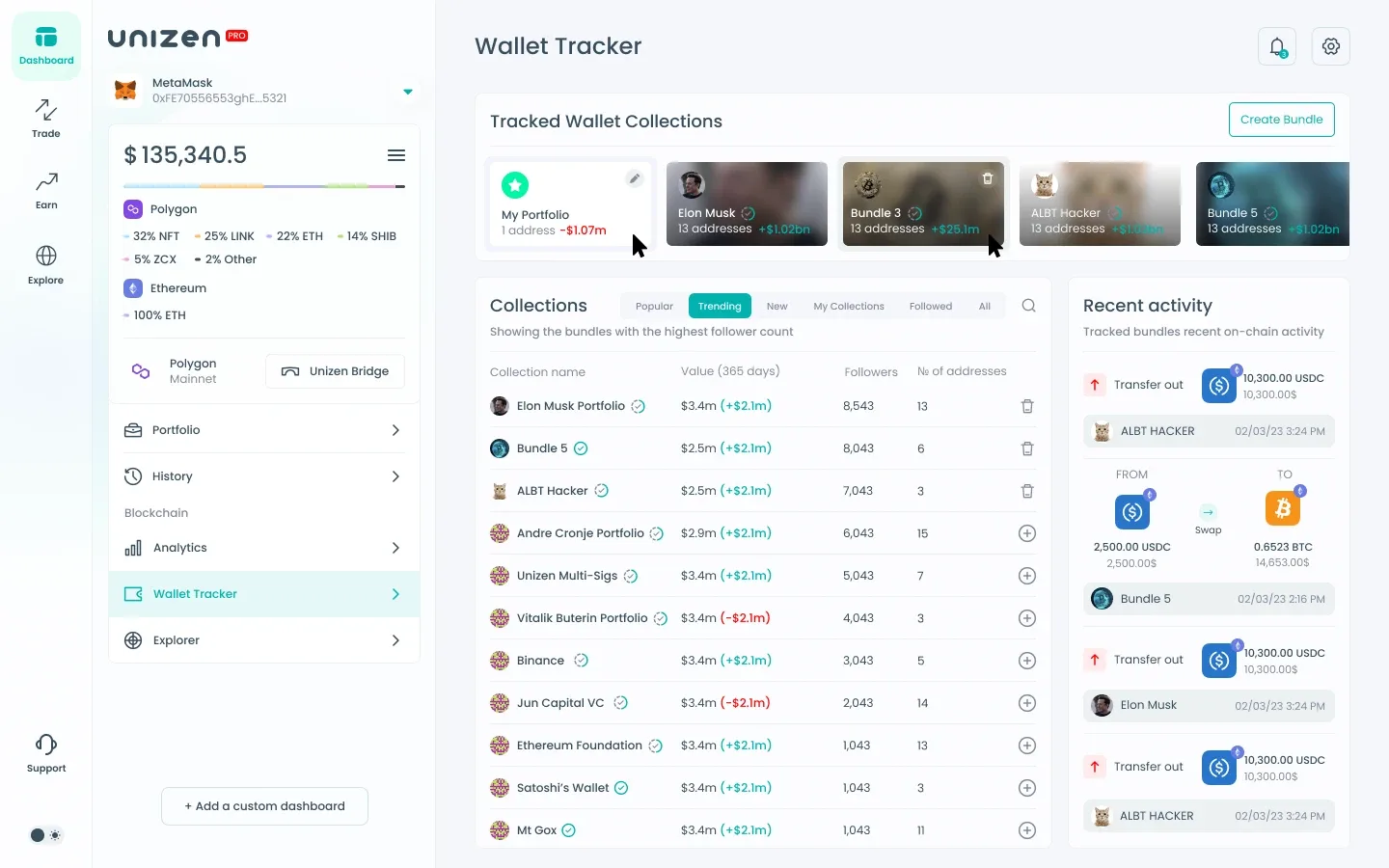
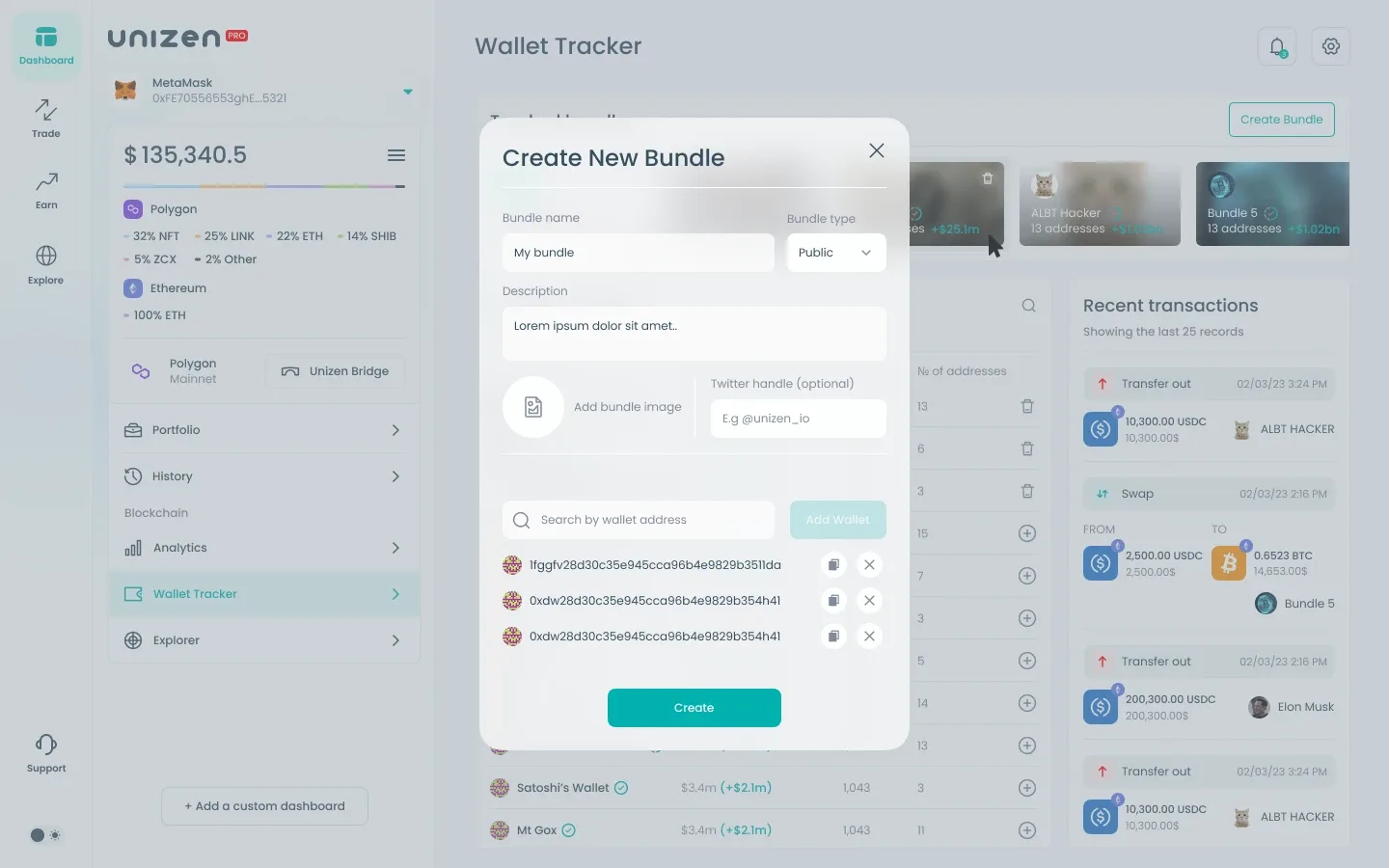
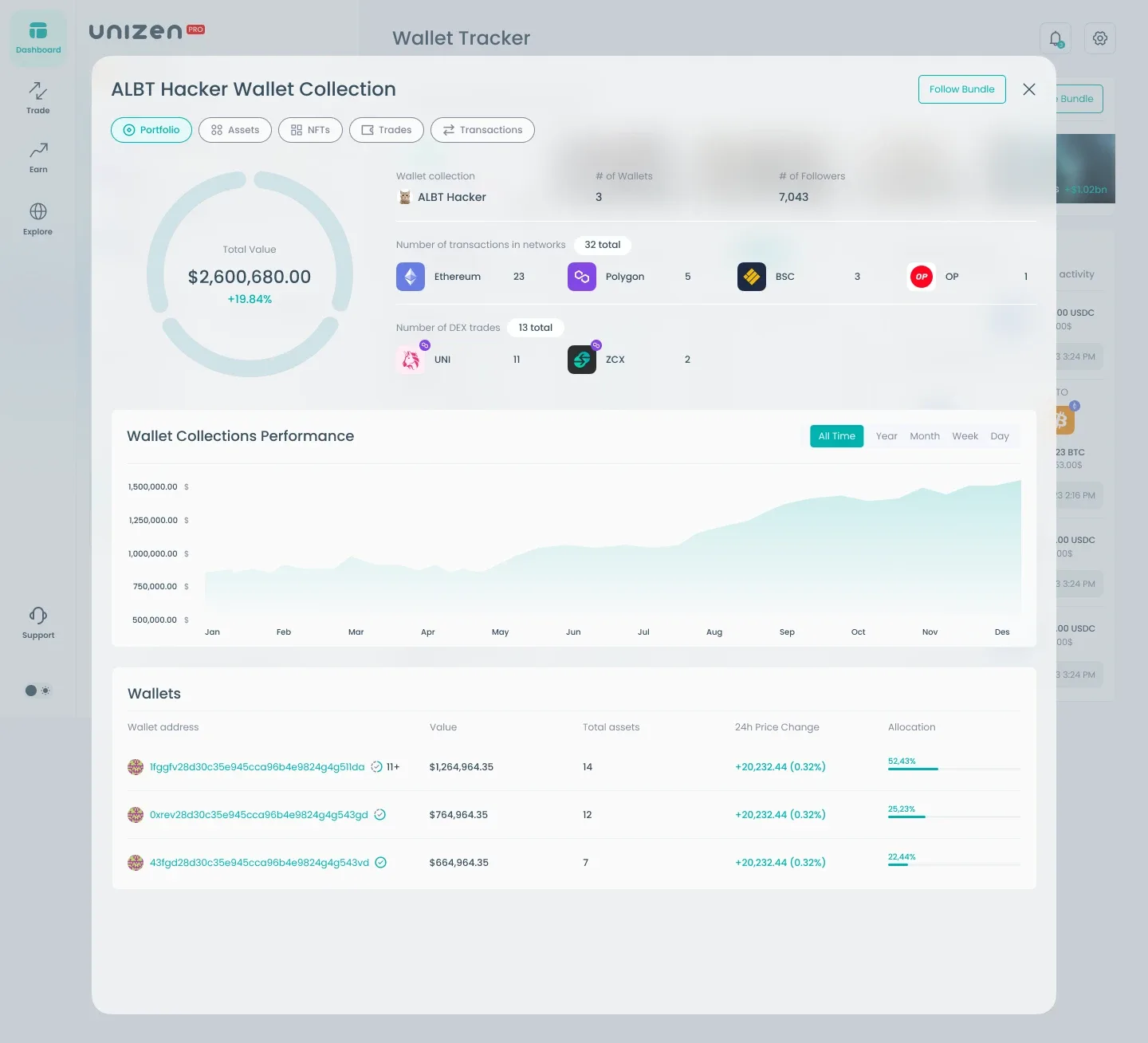
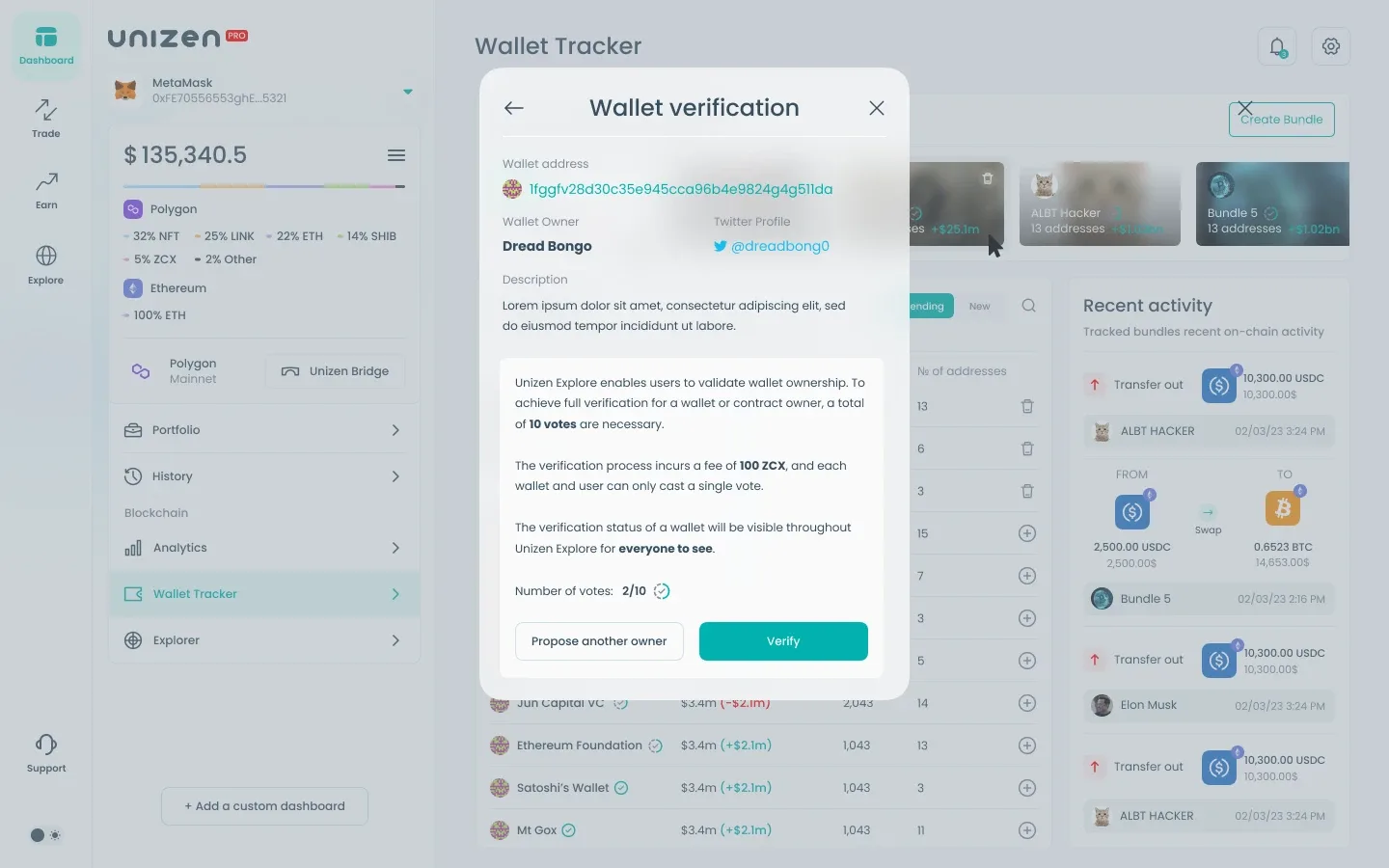
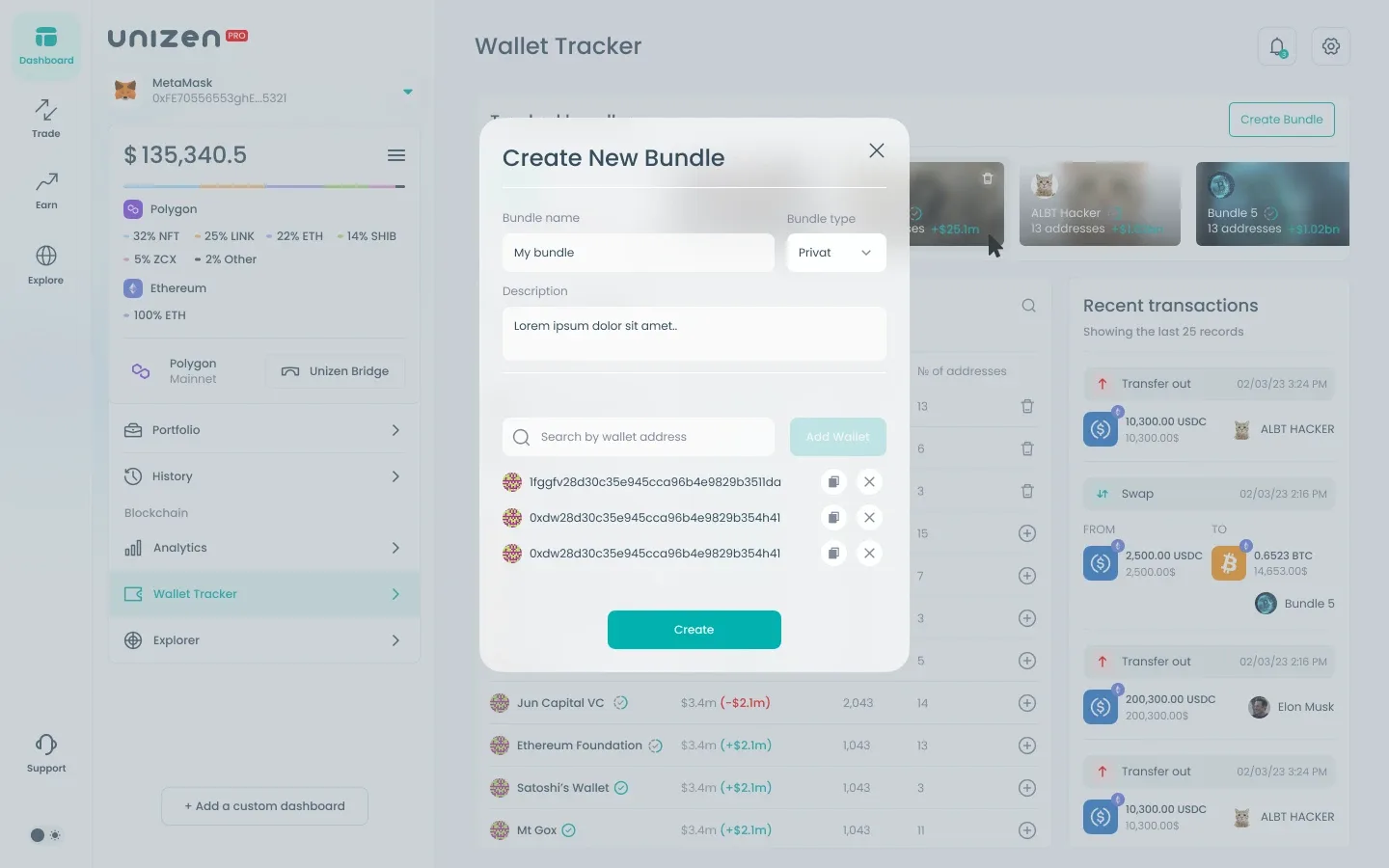
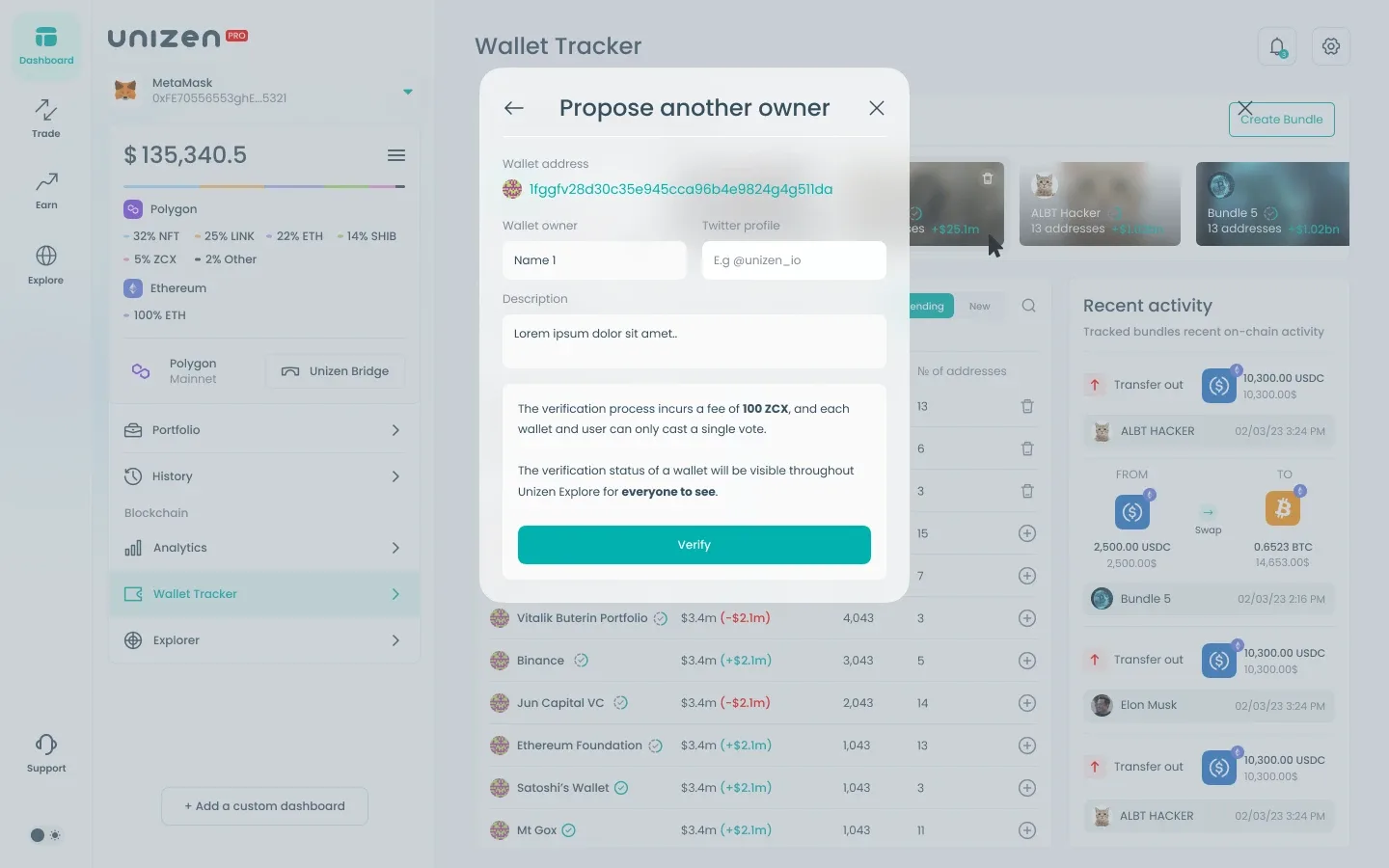
Wallet Tracker lets users follow curated address bundles — from personal portfolios to notable public wallets — with value change, follower counts, and address totals. Bundle cards use visual identity cues while keeping financial deltas readable at a glance.
A trending collections table ranks bundles by 365-day value change and social followership. A recent-activity feed surfaces live on-chain events (swaps, transfers) across tracked bundles so users can react to market moves in context.
Omni-Chain Explorer & Transaction Logs
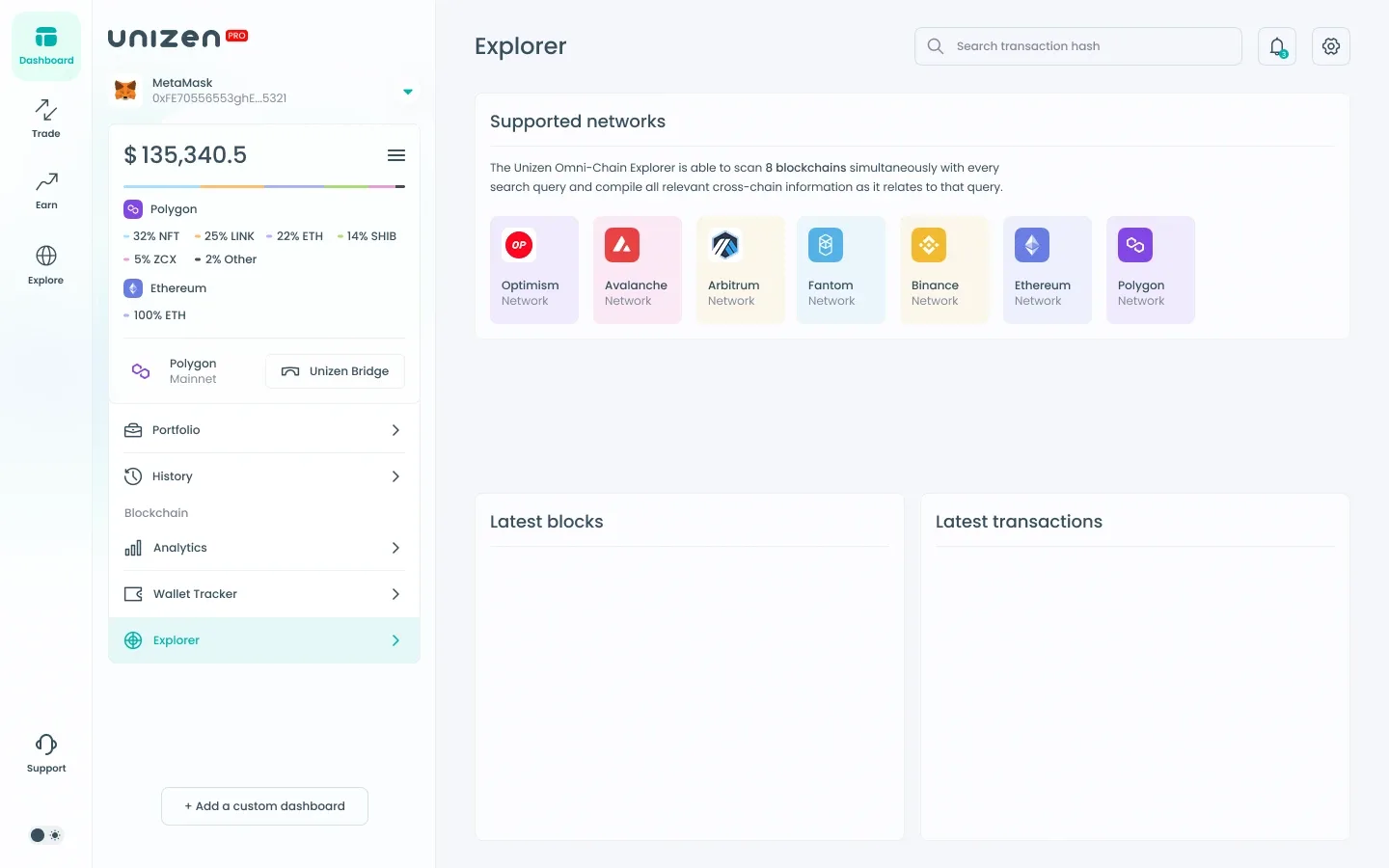
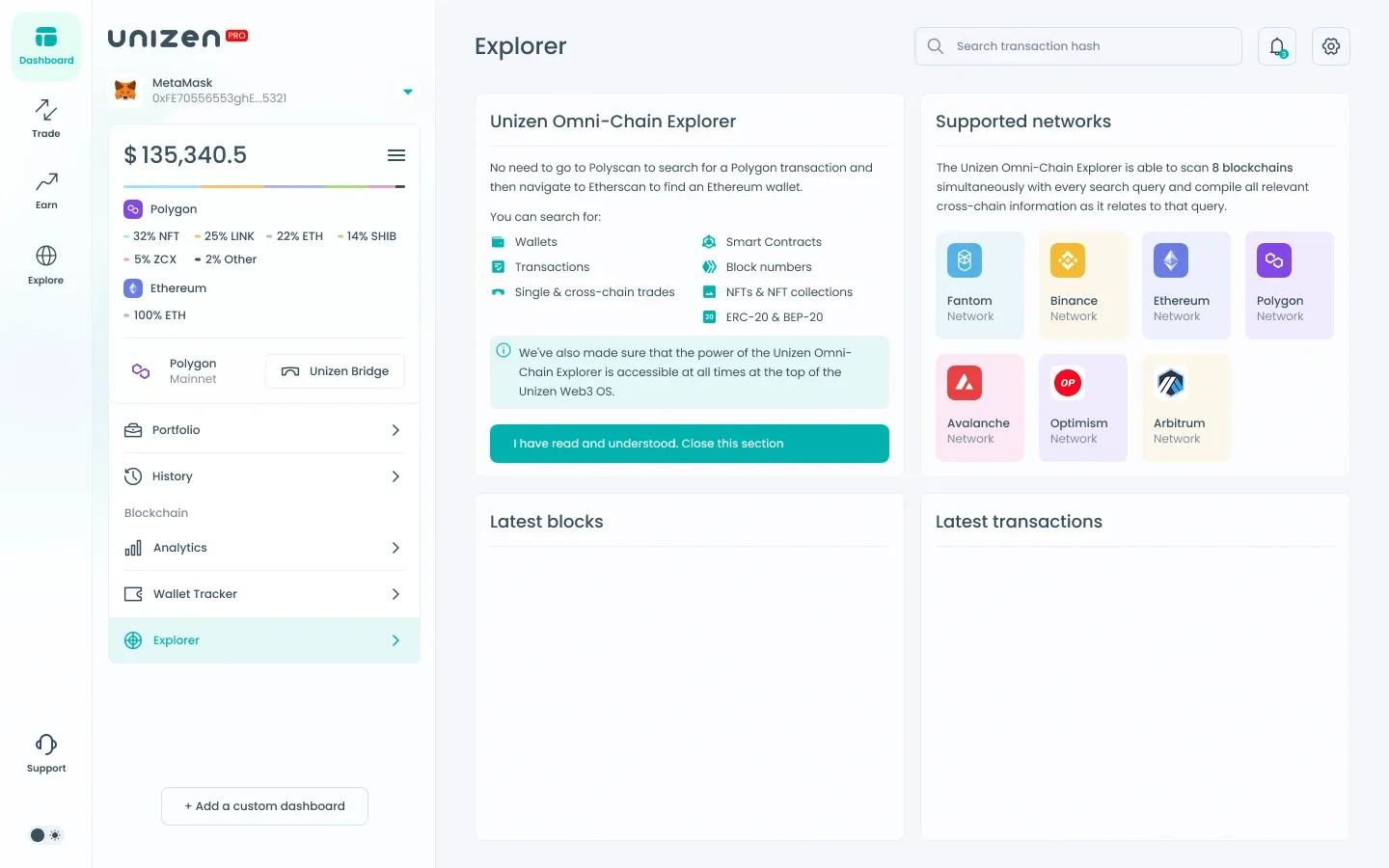
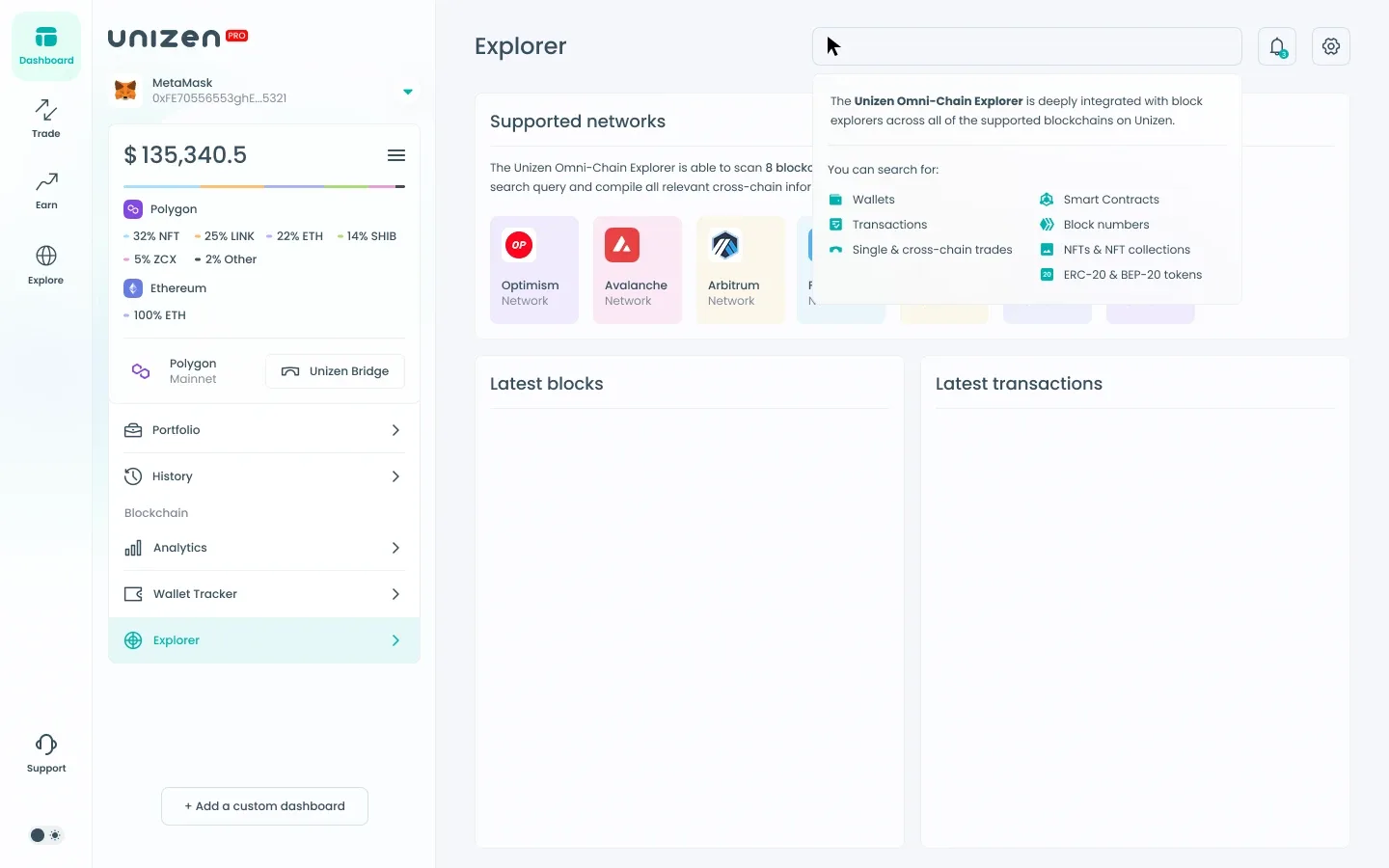
The Omni-Chain Explorer scans multiple networks simultaneously — Optimism, Avalanche, Arbitrum, Fantom, BSC, Ethereum, Polygon — with hash search and live block/transaction panels. Supported-network cards use chain-native color coding for quick recognition.
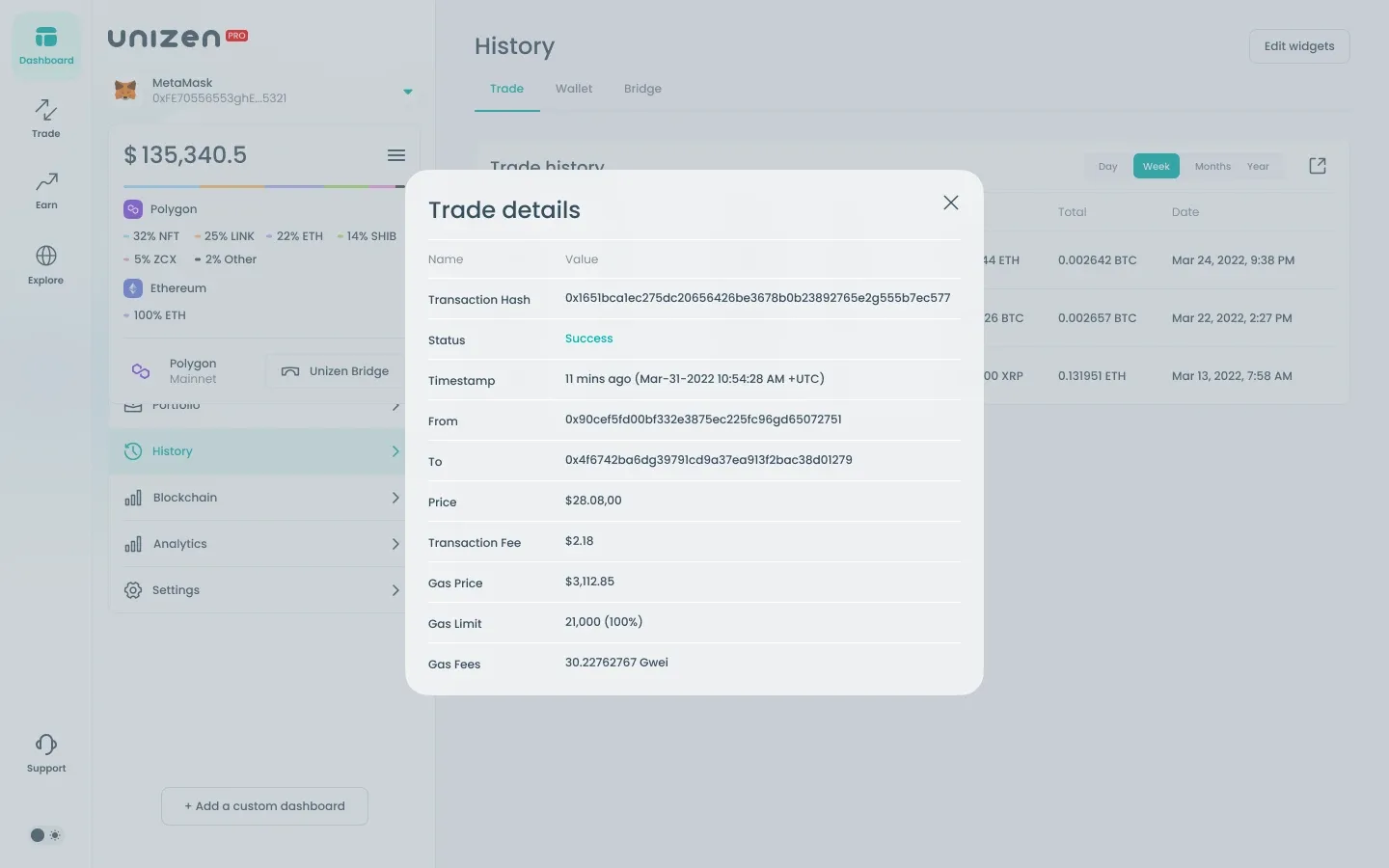
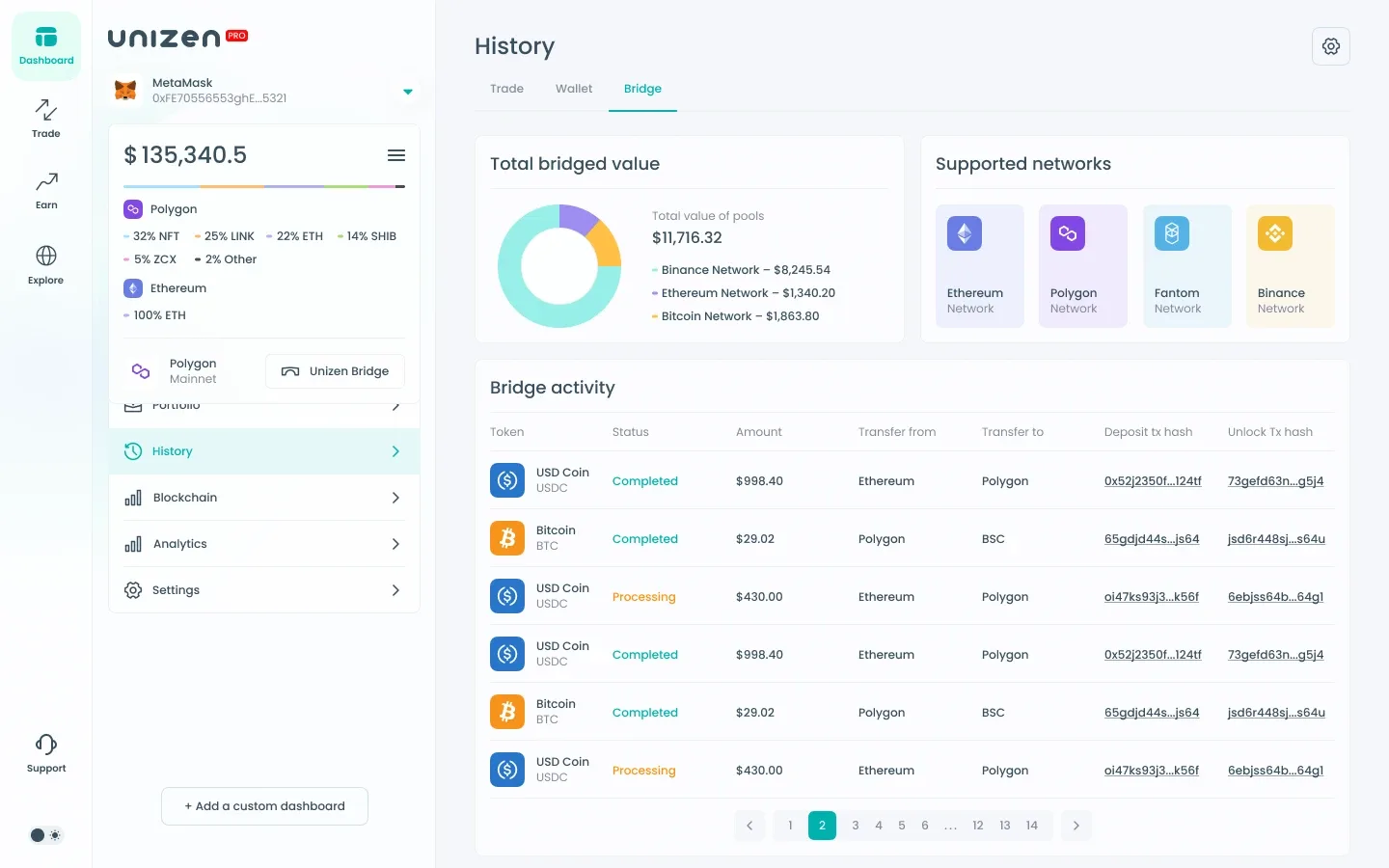
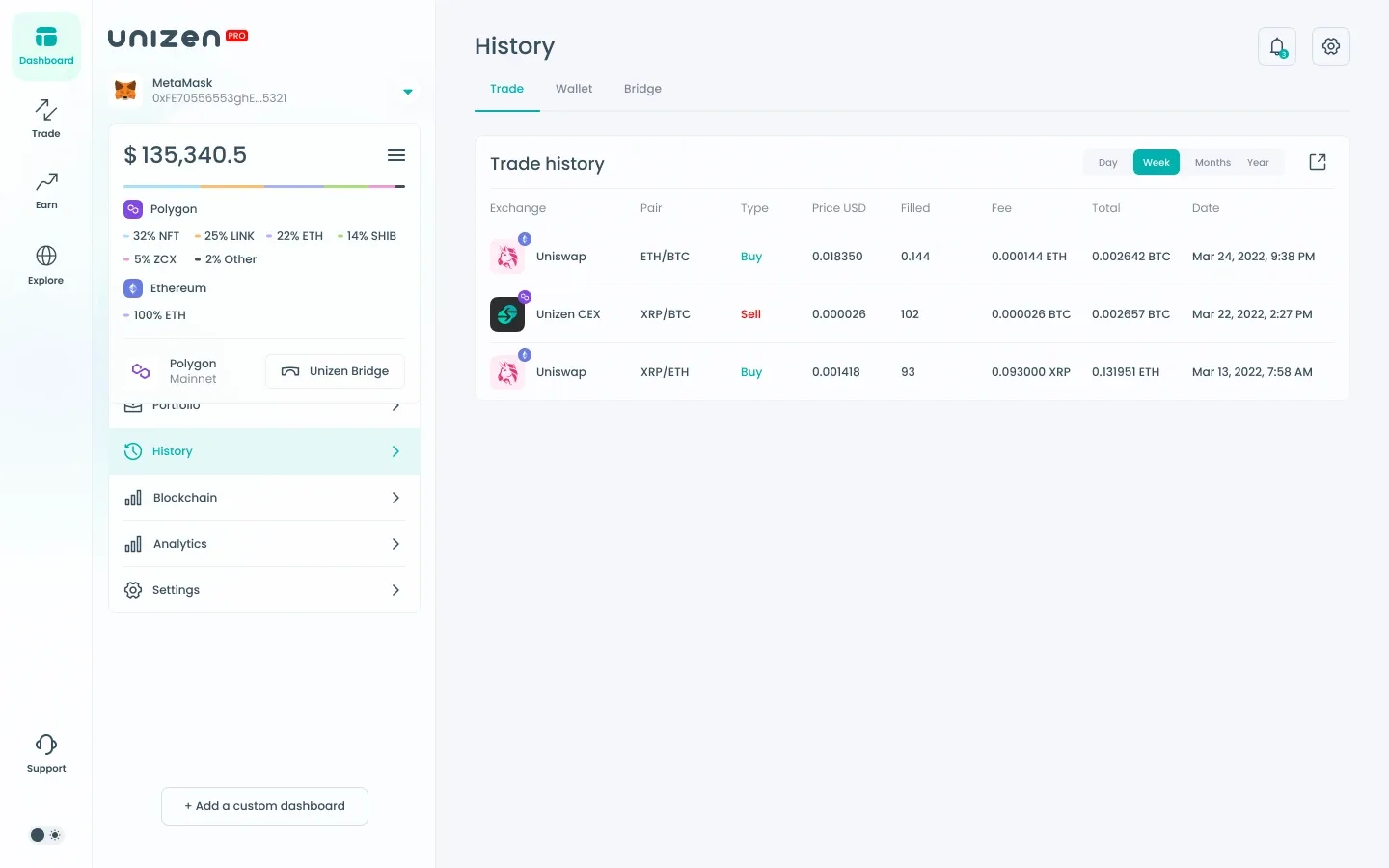
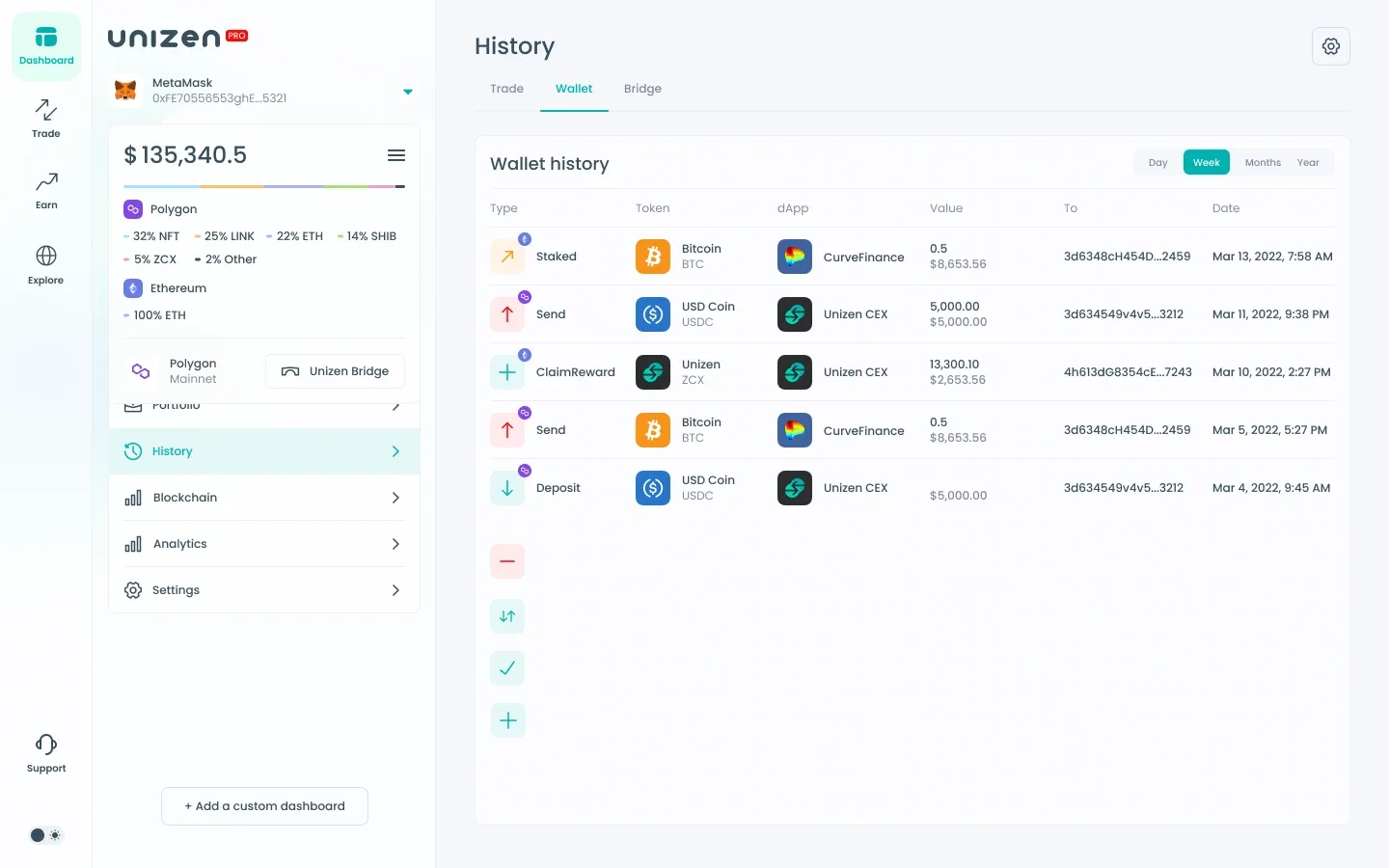
History unifies trade, wallet, and bridge activity. Bridge history adds pool-value analytics, network distribution charts, and detailed transfer tables with deposit/unlock tx hashes, status chips (Completed, Processing), and pagination for long-running cross-chain records.
Preferences, Tokens & Interaction States
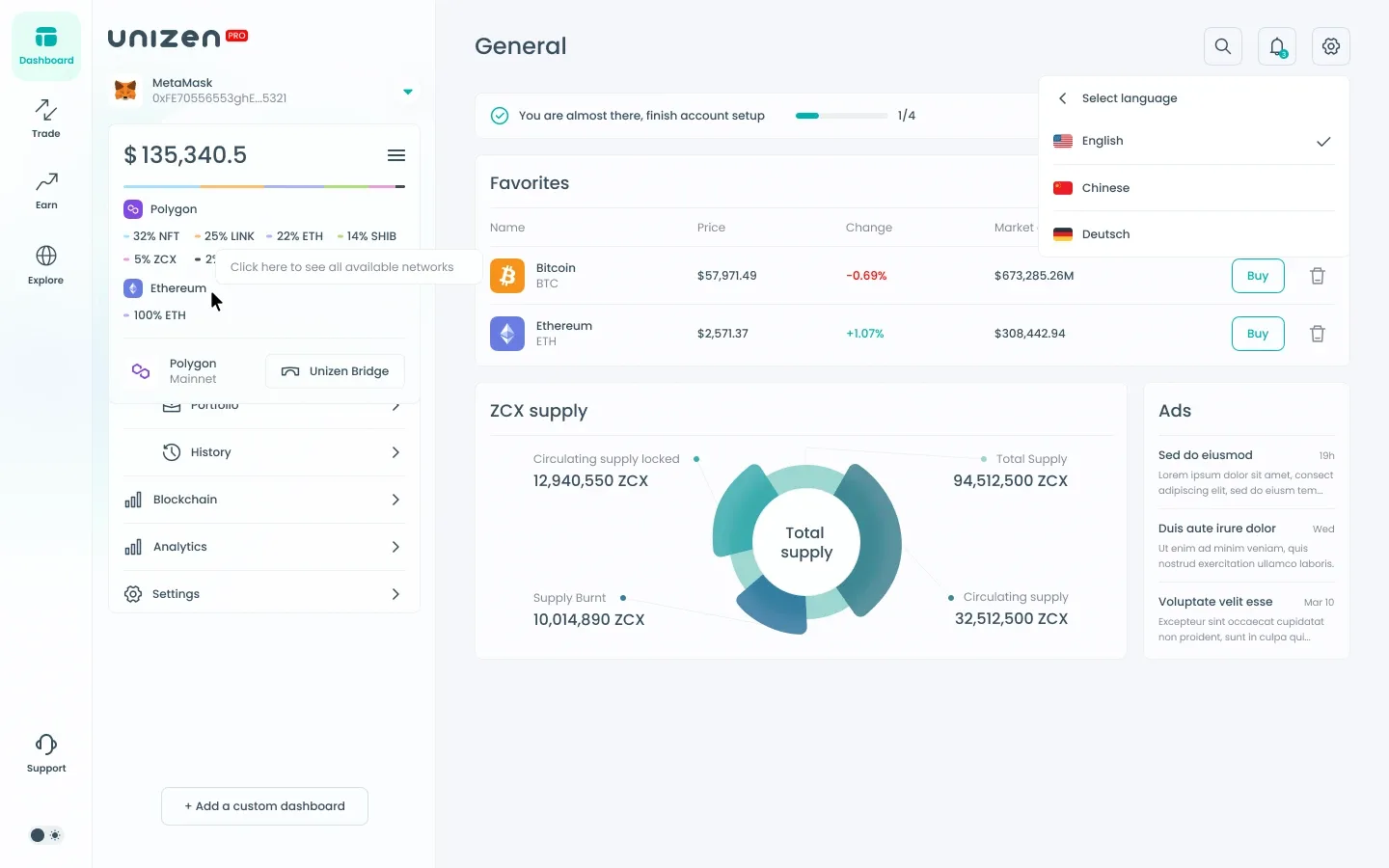
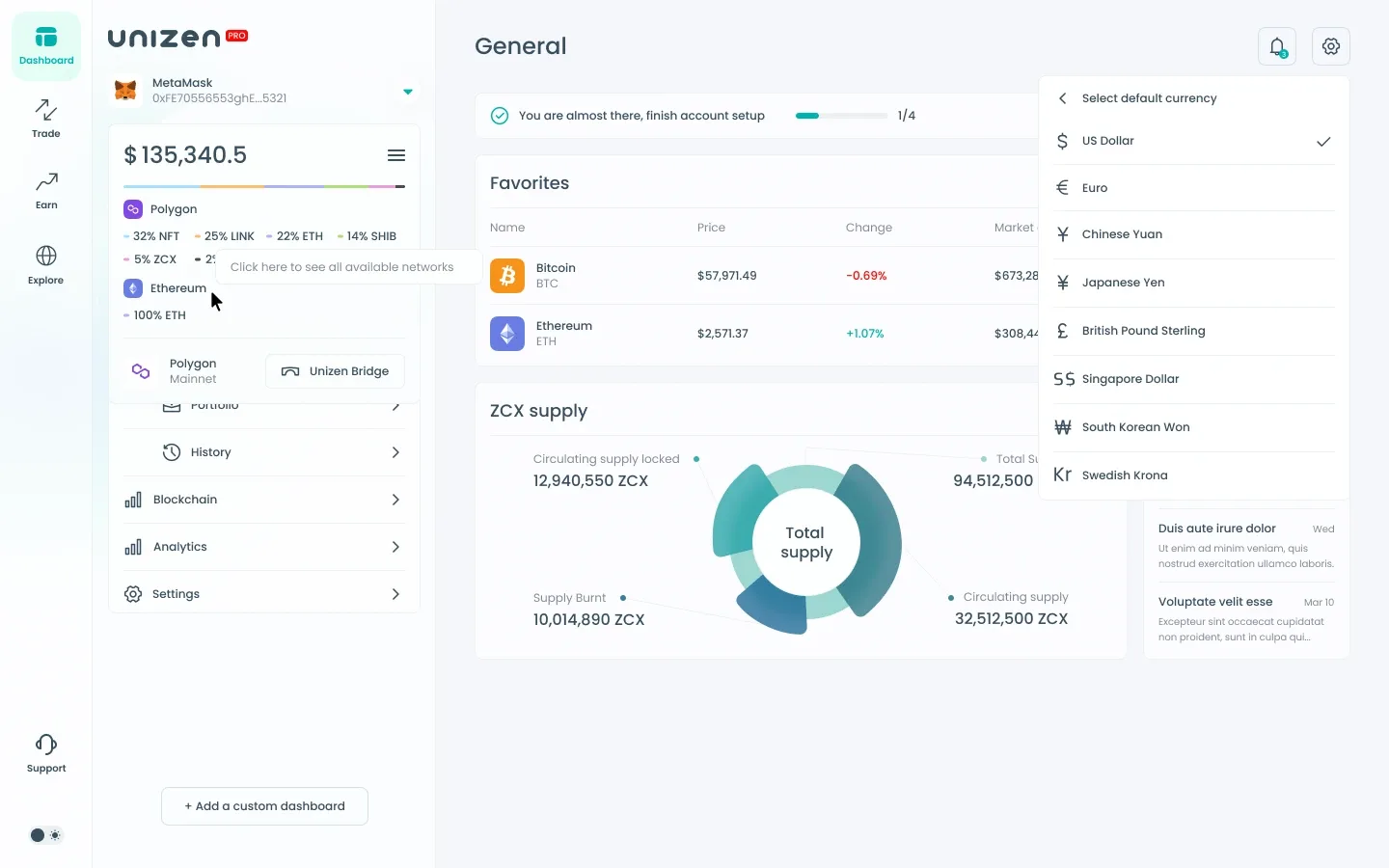
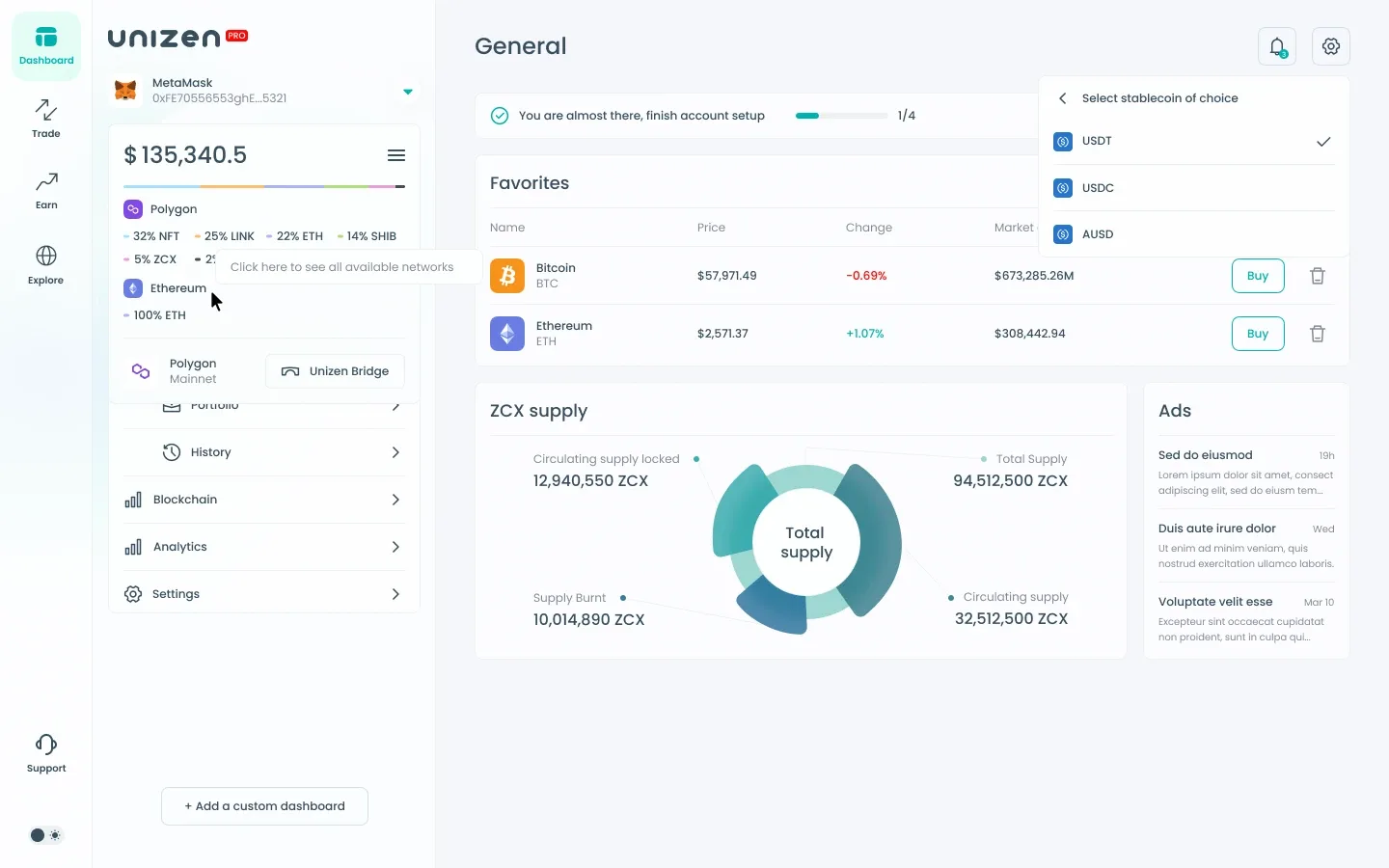
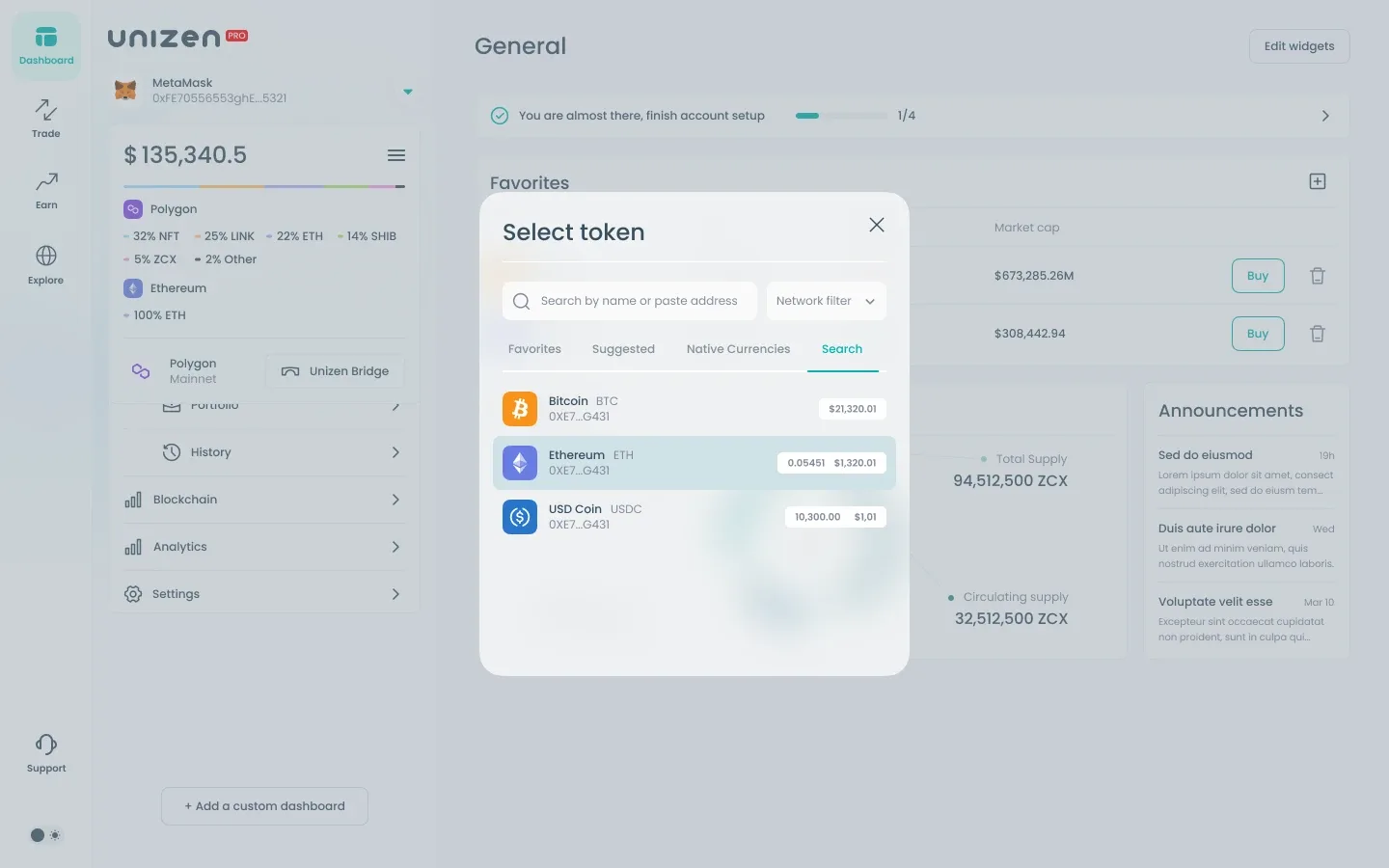
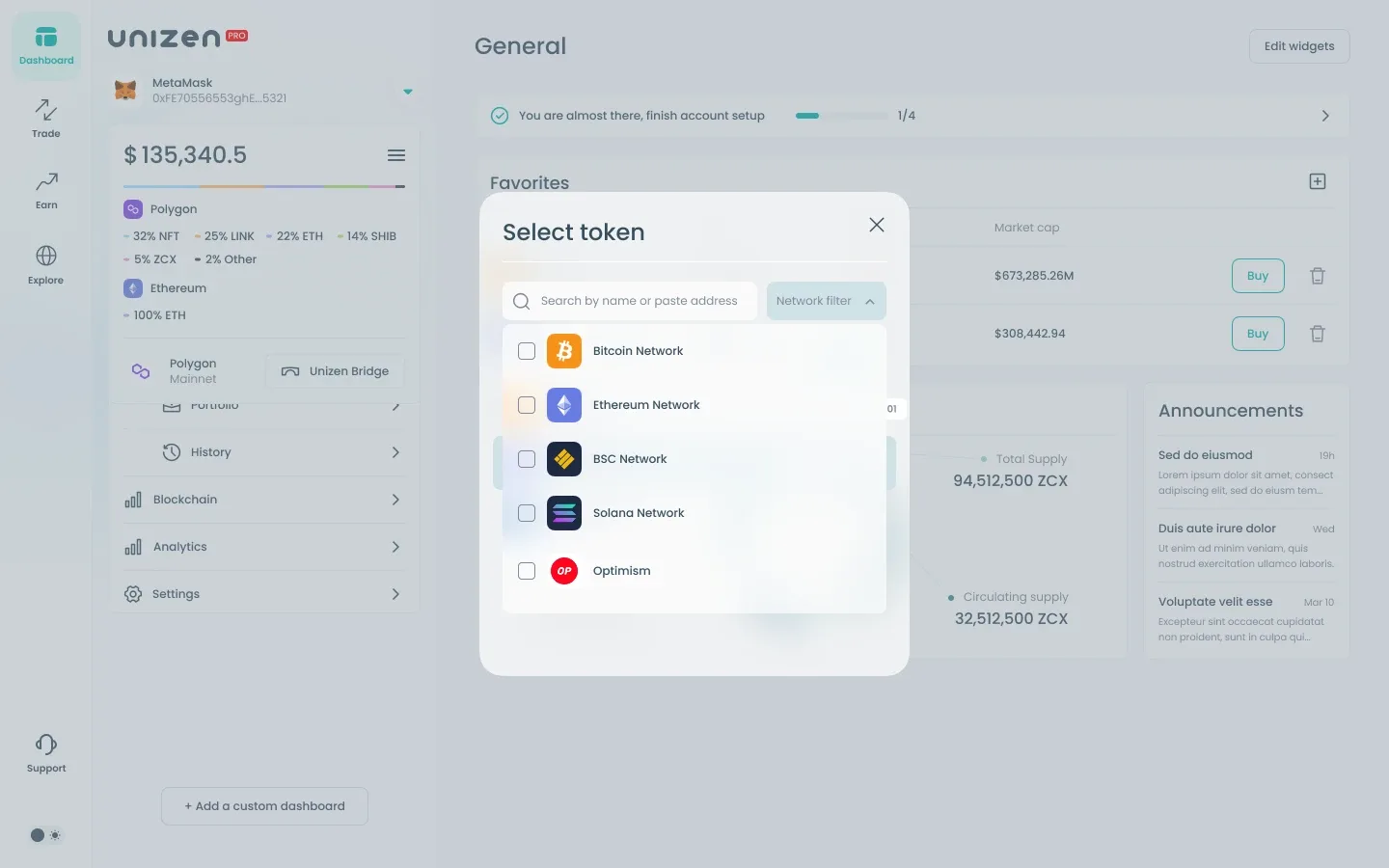
Settings cover language, fiat currency, and crypto display preferences through a layered menu pattern. Token management screens support favorites, search, and add-token flows with consistent list density across popups and full-page views.
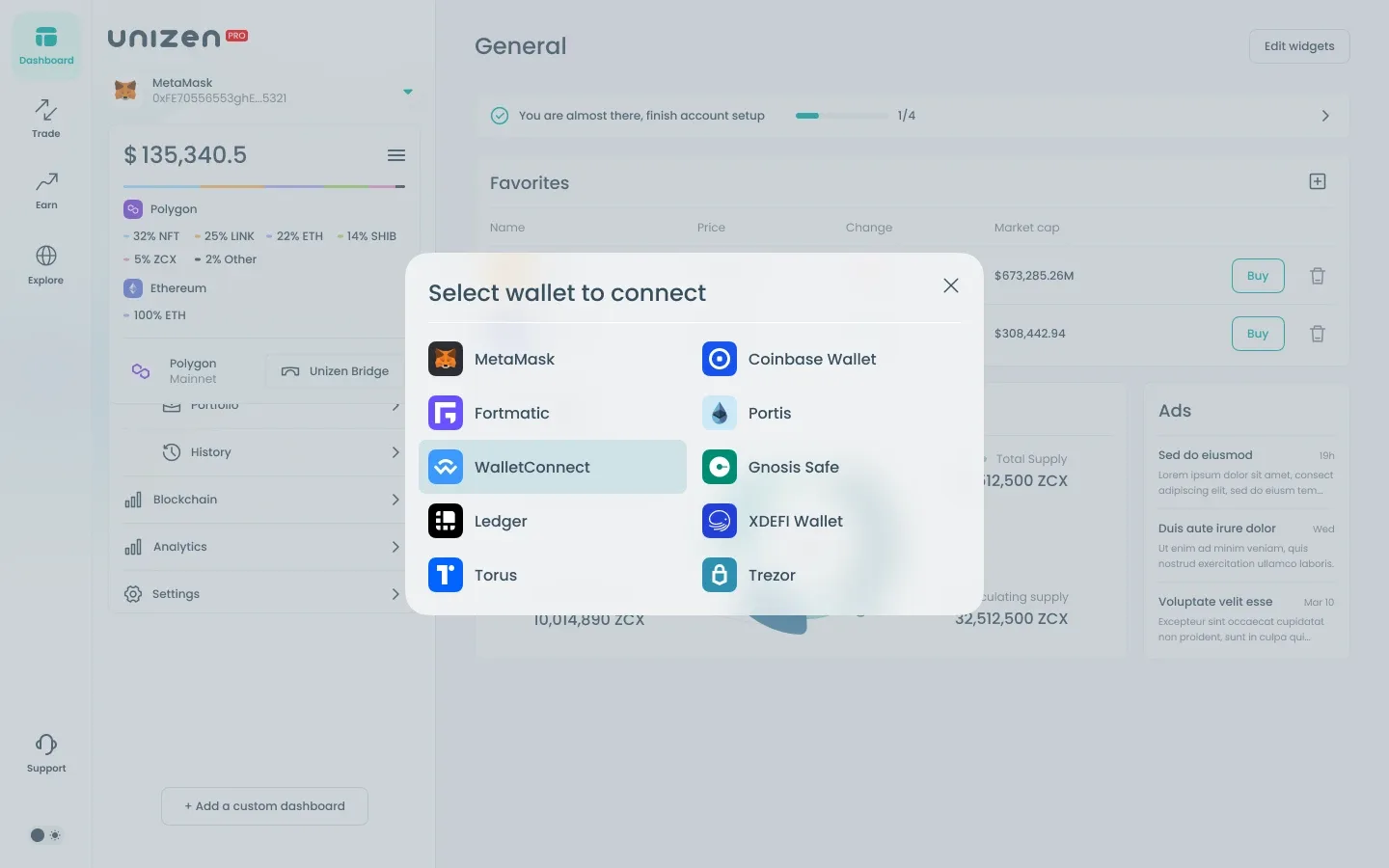
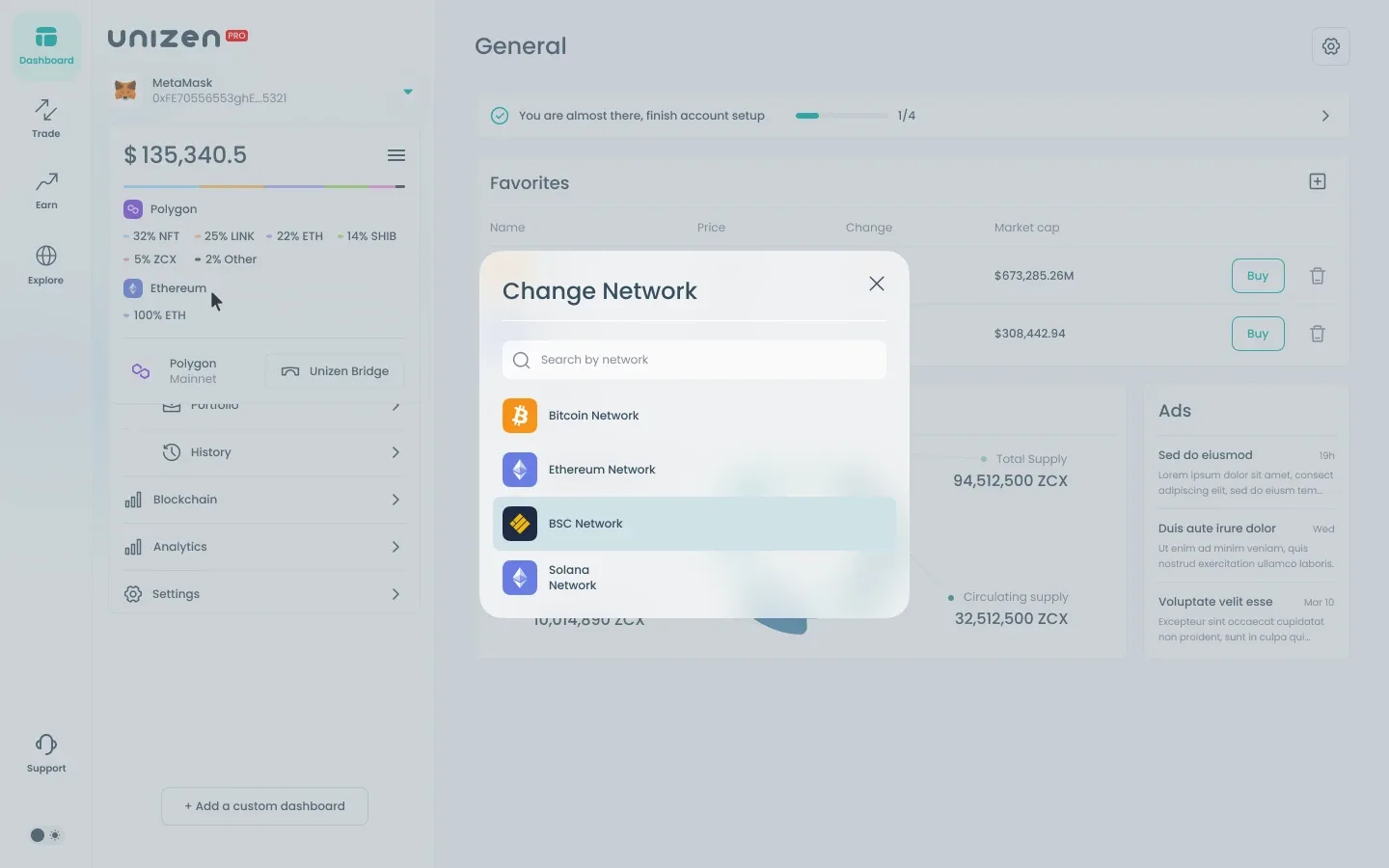
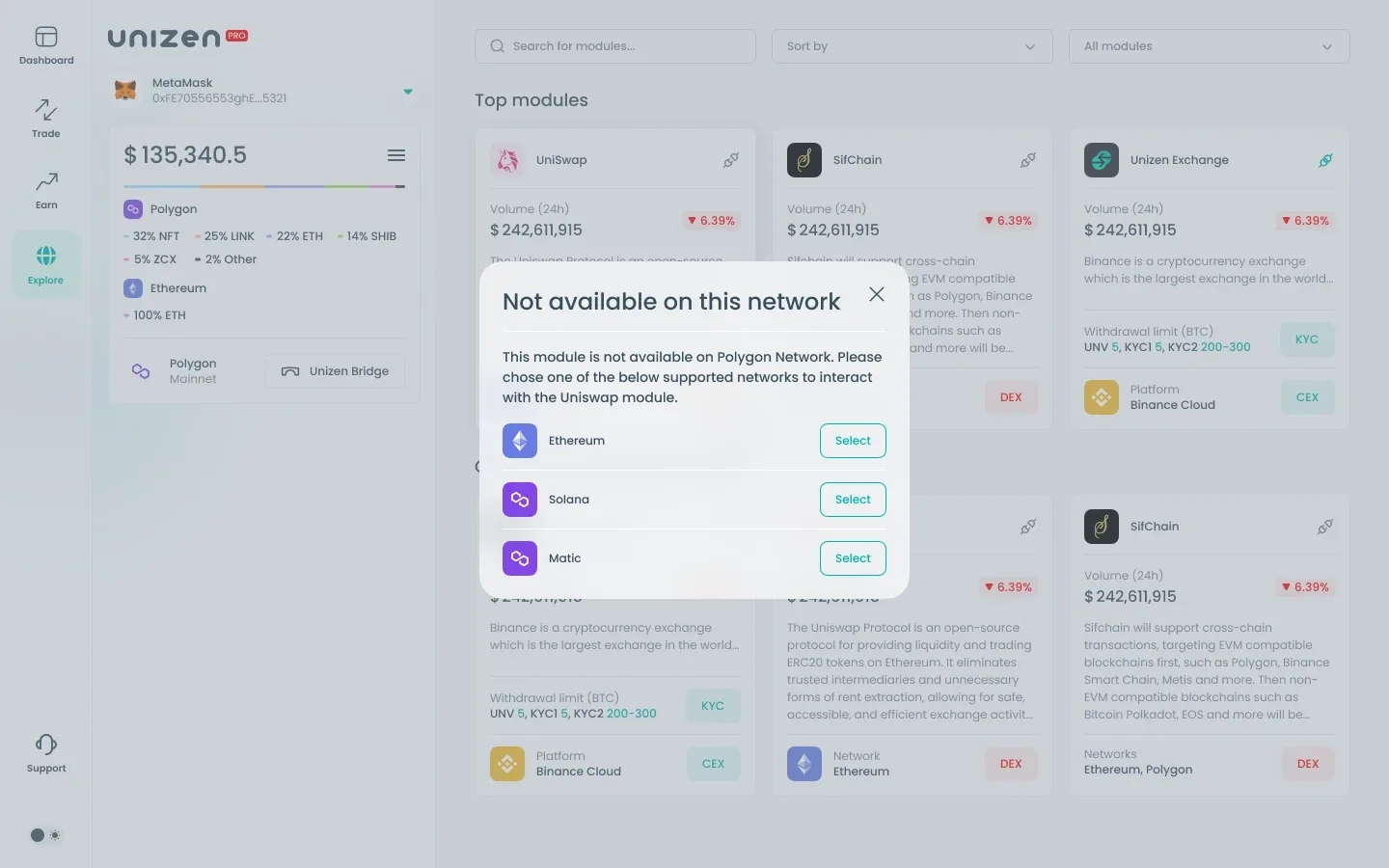
Hover states, confirmation popups, and detail panels document edge interactions — ensuring developers and QA have visual reference for non-default UI moments without breaking the calm, data-forward aesthetic.